
Best POS System for Restaurants: Features You Actually Need
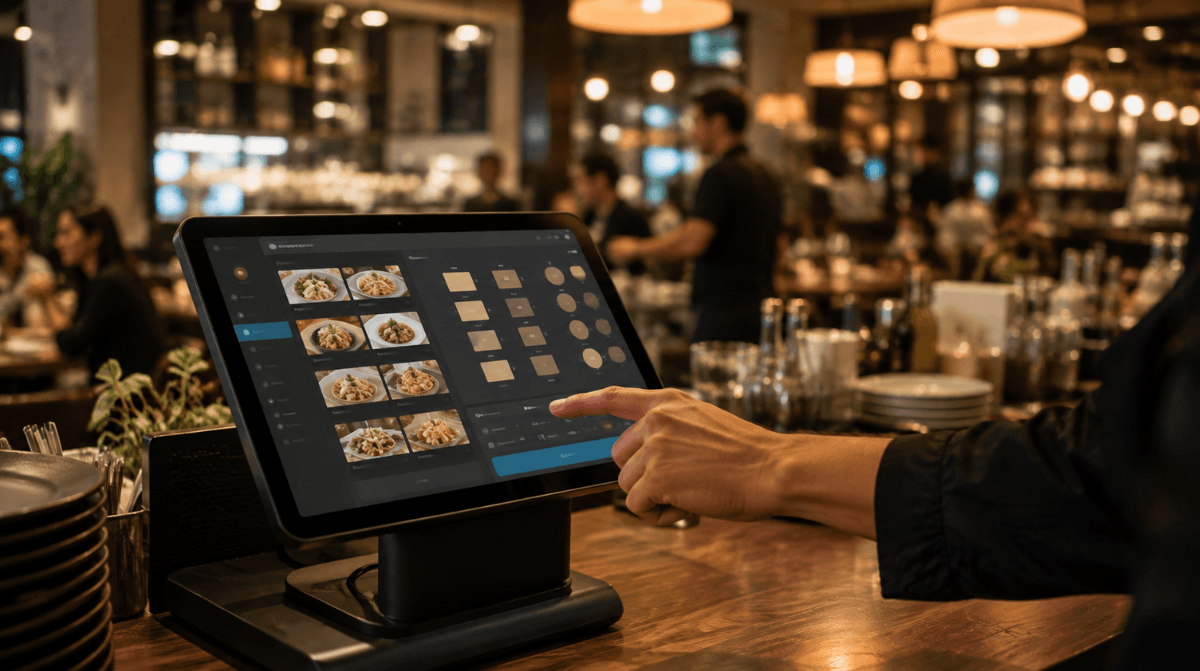
Running a restaurant is nothing like running a retail shop — and your POS system shouldn't treat it that way. Between managing tables, routing orders to the kitchen, splitting bills, and handling rush-hour chaos, a restaurant needs a POS system built specifically for food service, not a generic checkout tool with a menu bolted on.
If you're evaluating options, here's what actually matters — and what's just marketing noise.
Why Restaurants Need a Different Kind of POS System
A retail POS system is built around one thing: scanning items and taking payment. A restaurant POS system has to handle a much more complex workflow — multiple courses, modifiers ("no onions," "extra cheese"), split checks, tips, table turnover, and real-time communication between the front of house and the kitchen.
Using the wrong type of system — or one that's missing key features — leads to slow service, order errors, and frustrated staff. So when you're comparing options, the question isn't "does it process payments," it's "does it run my kind of business."
Must-Have Features for a Restaurant POS System
1. Table and Order Management
Your staff need to see table status at a glance — occupied, available, or awaiting payment — and assign orders directly to the right table or seat. This reduces mix-ups and speeds up service, especially during peak hours.
2. Kitchen Order Routing
Orders should go straight from the POS to the kitchen display or printer the moment they're placed — no relayed messages, no handwritten tickets. This cuts prep time and reduces errors between what's ordered and what's made.
3. Split Billing and Flexible Payments
Groups rarely want to pay one lump sum. A good restaurant POS makes it easy to split checks by item, by seat, or evenly — plus support fast, secure payment processing across card, contactless, and mobile wallets.
4. Menu and Modifier Management
Menus change — seasonal items, daily specials, out-of-stock ingredients. Your POS should let you update menu items and modifiers in seconds, not require a support ticket.
5. Real-Time Inventory Tracking
Food service runs on tight margins, and running out of a key ingredient mid-service is costly. A POS with built-in inventory tracking helps you monitor ingredient usage and flag low stock before it becomes a problem.
6. Staff Management and Access Controls
Restaurants often run with larger, shift-based teams. Your POS should let you assign different access levels — so a server can take orders and process payments, while only managers can apply discounts, void transactions, or view sensitive sales data.
7. Sales Reporting and Analytics
You need to know your best-selling dishes, slowest hours, and average order value — not guess at it. Solid reporting turns your POS into a tool for smarter business decisions, not just a payment terminal.
8. Customer Loyalty Integration
Repeat customers are the backbone of most restaurants. A POS with built-in loyalty tools lets you reward regulars automatically, without a separate app or system.
Features That Sound Nice But Rarely Matter
Not every "feature" on a sales page is worth prioritizing. Be cautious of:
Overly complex analytics dashboards you'll never actually use
Bloated all-in-one platforms with restaurant tools you don't need (e.g., reservation systems, if you don't take reservations)
Long-term contracts that lock you in before you've tested real-world performance
The best approach is matching features to how your restaurant actually operates — a quick-service café has very different needs than a full-service, multi-course restaurant.
How to Choose the Right Restaurant POS System
Ask yourself:
Does it handle table and order management the way my restaurant actually operates?
Can staff learn it quickly, with minimal training?
Does it integrate inventory tracking so I'm not manually counting stock?
Is payment processing fast, secure, and flexible (splits, tips, contactless)?
Can I control staff access and permissions?
Will it scale if I open a second location?
If you can answer "yes" to most of these, you're looking at a system built for real restaurant operations — not just a repurposed retail tool.
Final Thoughts
The best POS system for a restaurant isn't the one with the most features — it's the one that matches how your kitchen and front-of-house actually work. Table management, kitchen routing, flexible payments, and real-time inventory aren't nice-to-haves for restaurants — they're the core of daily operations.
If you're comparing options for your restaurant, it's worth looking at an all-in-one POS system built for restaurants that combines order management, inventory, and reporting in one place — rather than stitching together separate tools. And if you want help figuring out which features actually fit your setup, feel free to get in touch with our team — we can walk you through it based on your restaurant's size and workflow.
Ready for a smoother shift?