
One order from start to finish
Keep items, modifiers, table details, kitchen status and payment together from the first tap.

POS · PAYMENTS · SERVICE
Take orders, send items to the kitchen, split bills and accept payments without entering the same information twice.
Book a demo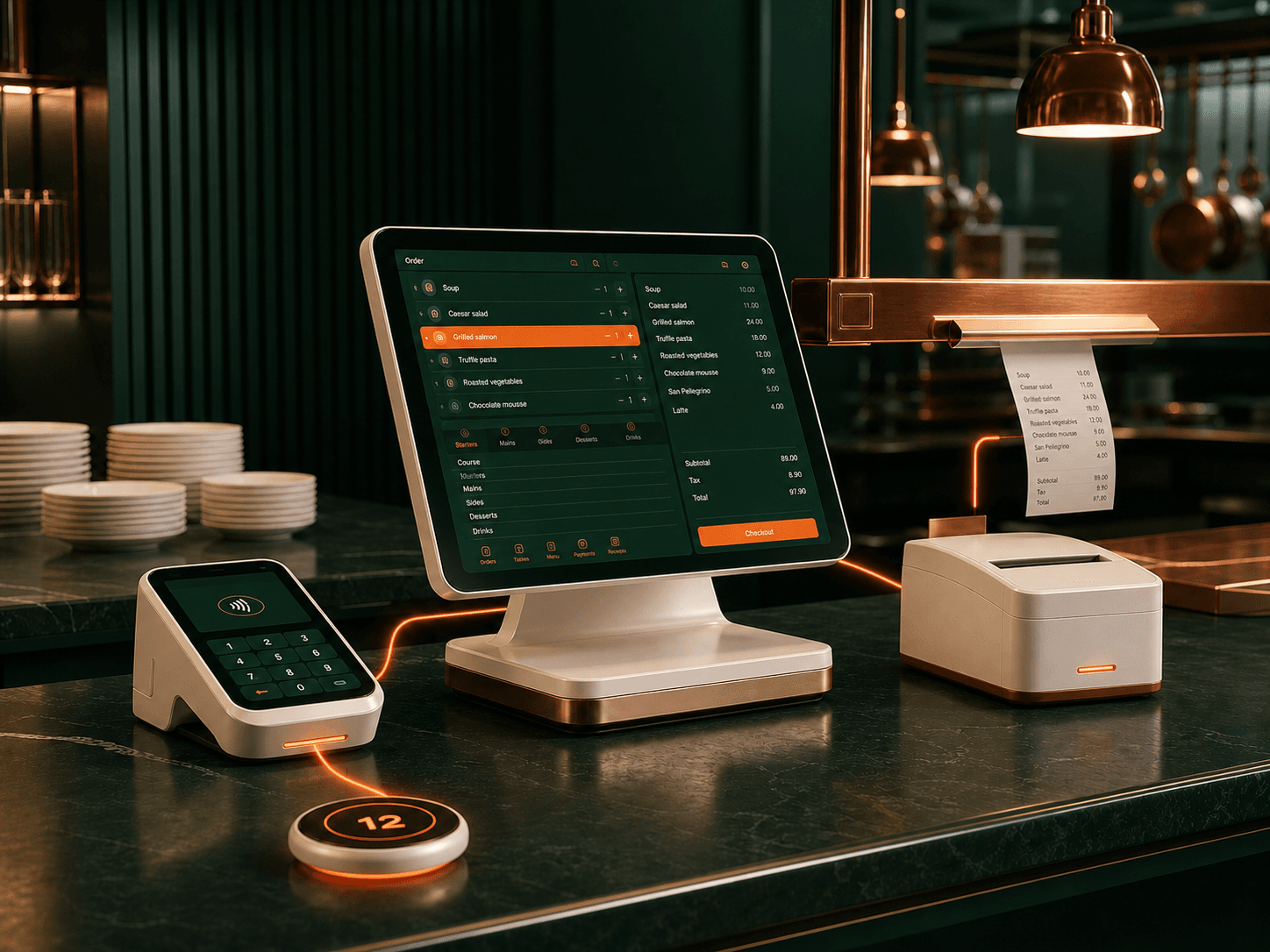
ERPFY keeps each order connected to its table, guest, kitchen items and payment from the moment it is taken. Staff can update the order, follow kitchen progress and close the bill without switching systems.
Once payment is complete, the same order updates sales reports, guest profiles and loyalty activity. Your team spends less time matching information across separate tools.
What ERPFY handles
Keep items, modifiers, table details, kitchen status and payment together from the first tap.
Take payments, split bills, add tips and accept gift cards without starting the order again.
Move tables, update orders and check kitchen progress from the same POS.
Completed orders update sales reports, guest profiles and loyalty activity.
One connected order
Servers, kitchen staff and managers follow the same order as it moves through service—without rebuilding it at every step.
Add the table, guest, items, modifiers and notes once at the POS.
Send each item and instruction straight to the kitchen station preparing it.
Split the check, add tips and take payment without starting the order again.
Update sales, guest profiles, loyalty and reports from the completed order.
Where Voice Agent helps
Open, update, move, split and settle table orders while keeping modifiers and guest requests attached.
Take orders quickly, send items to the right kitchen station and see when payment or collection is complete.
Bring staff, QR, phone and delivery orders together so the team does not have to re-enter each ticket.
Before you get started
ONE ORDER FROM TABLE TO PAYMENT
Bring your service styles, payment setup, kitchen routing and reporting needs. We’ll map one clear ERPFY POS flow from the first item to the closed bill.
Plan my POS setup