
Every order in one queue
Show orders from every active channel in one clear kitchen queue.

KITCHEN DISPLAY · LIVE ORDERS
Give the kitchen one clear screen for dine-in, online, phone and delivery orders, with every note and modifier included.
Book a demo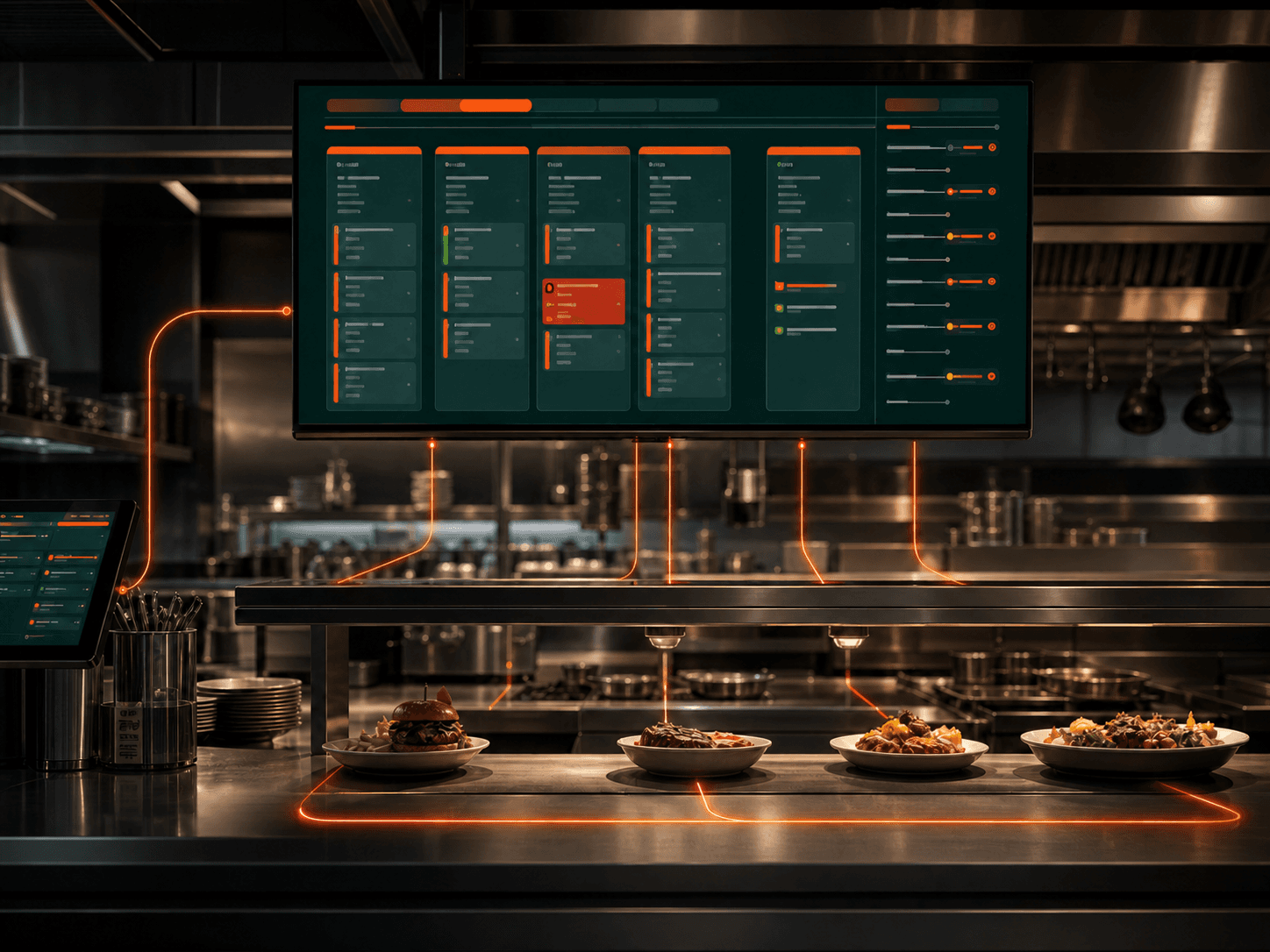
ERPFY KDS puts orders from staff, table ordering, phone calls and connected delivery channels on one kitchen screen. Each item arrives with the notes and modifiers needed to prepare it correctly.
Chefs can mark orders as cooking or ready, while service and delivery teams see the latest status. Everyone knows what needs attention without relying on shouted updates or paper tickets.
What ERPFY handles
Show orders from every active channel in one clear kitchen queue.
Keep variations, preparation notes and modifiers visible while each item is cooked.
See which orders are new, cooking, ready or taking too long without chasing paper tickets.
Let front-of-house and delivery teams see the latest kitchen status.
One live kitchen queue
Every order, note and modifier reaches the right station, while service sees what is cooking and what is ready without chasing the kitchen.
Show dine-in, online, phone and delivery orders in one live queue.
Send each item, modifier and preparation note to the station responsible for it.
Make new, cooking, delayed and ready orders clear at a glance.
Let front-of-house and delivery teams see when an order is ready to hand over.
Where Voice Agent helps
Send each item to the station preparing it while keeping the full order visible.
Help chefs and servers see what is new, cooking, ready or taking longer than expected.
Prepare collection and delivery orders in the same queue, with their handover status clearly shown.
Before you get started
ONE LIVE QUEUE FOR THE WHOLE KITCHEN
Bring your current order channels, kitchen stations and preparation rules. We’ll map how every item, note and status should move through ERPFY KDS.
Plan my KDS setup