
How a Restaurant POS Connects to the Kitchen in Real Time
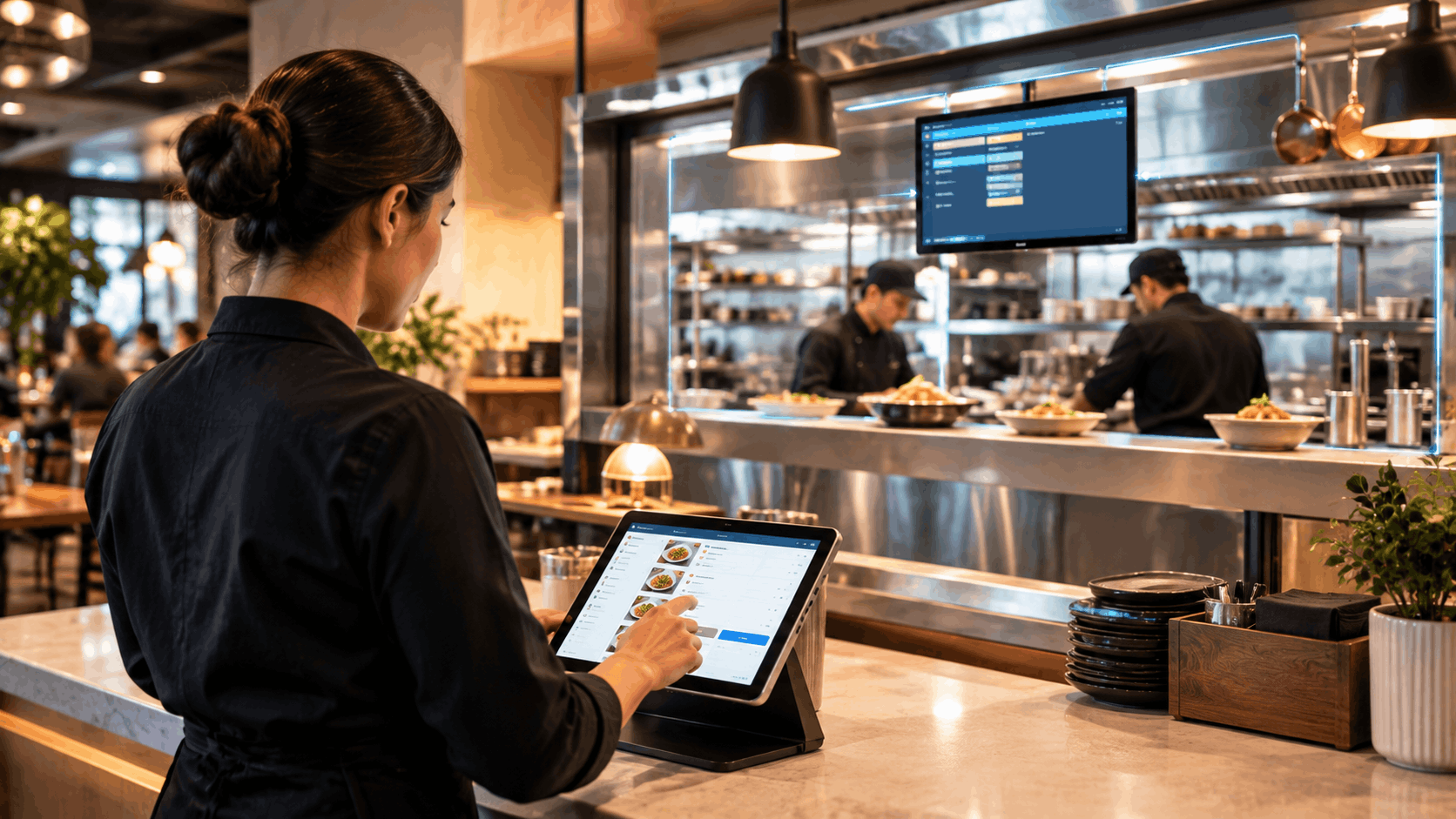
One of the most important — and most overlooked — parts of restaurant technology is what happens the moment after an order is placed. If there's a delay or manual step between the counter and the kitchen, that gap shows up as slower service, mixed-up orders, and frustrated staff. A properly connected restaurant POS and payment system solves this by linking directly to the kitchen in real time. Here's exactly how that connection works, and why it matters so much for daily operations.
Why the POS-to-Kitchen Connection Matters
In a lot of restaurants, orders still travel from the counter to the kitchen through manual steps — a server walking a ticket over, a printed slip torn off and handed across, or a verbal shout across a busy line. Each of these steps introduces a small delay and a chance for something to go wrong: a misheard modifier, a lost slip, a ticket printed out of order.
When a POS connects directly to a kitchen display system for restaurants, none of that manual handoff is necessary. The order appears on the kitchen screen the instant it's entered — no walking, no printing, no relay.
How the Real-Time Connection Actually Works
1. The Order Is Entered at the Point of Sale
A server rings in an order at the counter, a guest places one through table QR ordering, or an order comes in through delivery or phone. All of these are captured directly by the POS.
2. The Order Is Instantly Routed to the Kitchen Screen
The moment the order is confirmed, it's sent electronically to the kitchen display — broken down and routed to the correct station (grill, fry, prep) automatically, rather than arriving as one long, unsorted ticket.
3. Kitchen Staff Update Status in Real Time
As each item is prepared, kitchen staff mark it as started or completed directly on the screen. This live status is visible not just in the kitchen, but back at the front of house too.
4. Completed Items Sync Back to the Counter
Once an order is marked ready, that information flows back to staff immediately — so food gets served promptly instead of sitting and losing quality while waiting to be noticed.
This entire loop — from order entry to kitchen completion to front-of-house notification — happens without a single manual step in between.
What This Looks Like Across Different Order Types
A strong POS-to-kitchen connection isn't limited to one order type. It should work seamlessly across:
- Dine-in orders — entered at the table or counter, routed instantly
- Counter and quick-service orders — fast entry, immediate kitchen visibility
- Delivery and takeaway orders — pulled in from third-party platforms and routed the same way as any other order, without manual re-typing
- Phone orders — including those taken by an AI voice agent, which can send confirmed orders straight into the same kitchen queue
Regardless of where the order originates, it should land in one unified kitchen view — not scattered across separate systems or tools.
The Practical Benefits of a Real-Time POS-Kitchen Connection
- Faster ticket times — no delay between order entry and kitchen visibility
- Fewer errors — no misheard or misread handwritten details
- Better multi-station coordination — each station only sees what's relevant to it
- Clear accountability — staff can see exactly what stage every order is at, without guessing
- Consistent handling across order channels — dine-in, delivery, and phone orders are treated the same way, with the same speed and accuracy
For busy kitchens juggling multiple order sources at once, this kind of real-time visibility is what actually prevents rush-hour chaos, rather than just reacting to it after the fact.
Why This Only Works Well When Systems Are Truly Connected
It's worth noting that not every "integration" between a POS and a kitchen display is created equal. Some setups still require manual syncing, delayed updates, or separate logins between systems — which defeats much of the purpose. The real value comes from a POS and kitchen display built to work together natively, as part of the same system, rather than stitched together as an afterthought.
This is the broader idea behind an AI restaurant operating system — where POS, kitchen, payments, and reporting all run on one shared platform instead of a collection of separate tools trying to talk to each other. When everything runs on the same system, the POS-to-kitchen connection isn't something you have to configure or maintain — it's simply how the system works by default.
Final Thoughts
The connection between your POS and your kitchen isn't a small technical detail — it's one of the biggest factors in how fast and accurately your restaurant actually runs. A real-time link between order entry and kitchen display removes manual handoffs, reduces errors, and keeps every station working from the same live information, regardless of where an order comes from.
If your current setup still relies on manual steps between the counter and the kitchen, it's worth seeing how ERPFY's restaurant POS and payment system connects directly to a kitchen display system for restaurants in real time. Want to see how it fits your kitchen layout? Get in touch with our team — we're happy to walk you through it.
Ready for a smoother shift?