
How Delivery Orders Flow Into Your Kitchen Without Manual Entry
Delivery has become a core revenue channel for most restaurants, but it has also introduced one of the most frustrating parts of daily operations: getting those orders from a third-party app into the kitchen. In many restaurants, that still means a staff member reading an order off a tablet and typing it into the POS by hand. It's slow, it's error-prone, and it gets worse the busier you are. Here's how delivery orders can reach your kitchen automatically, and what needs to be in place for that to work.
The Problem With Manual Order Entry
Before looking at the solution, it helps to understand what manual entry actually costs.
In a typical disconnected setup, a delivery order arrives on a separate tablet. A staff member notices it, reads the items and modifiers, and retypes them into the POS or writes them on a ticket for the kitchen. Each step adds delay, and each step is a chance for something to go wrong:
- Missed orders, because the tablet was out of sight during a rush
- Typing errors, such as a wrong modifier or a forgotten note about an allergy
- Delayed prep, since the kitchen only hears about the order after someone has time to enter it
- Extra devices, with a separate tablet for each delivery platform crowding the counter
During quiet periods this is manageable. During a Friday dinner rush, it becomes a real bottleneck, and delivery customers are usually the least patient because they're tracking their order on an app in real time.
How Automatic Delivery Order Flow Works
When delivery platforms are properly connected to your POS, the manual steps disappear. The flow looks like this:
1. The Guest Places an Order on a Delivery Platform
The customer orders through a marketplace such as Uber Eats, just as they normally would. Nothing changes on their side.
2. The Order Is Pulled Directly Into Your POS
Instead of appearing on a separate tablet, the order is sent straight into your POS through a direct connection. Items, modifiers, notes, and customer details arrive exactly as the guest entered them, with no retyping.
3. The Order Is Routed to the Kitchen Automatically
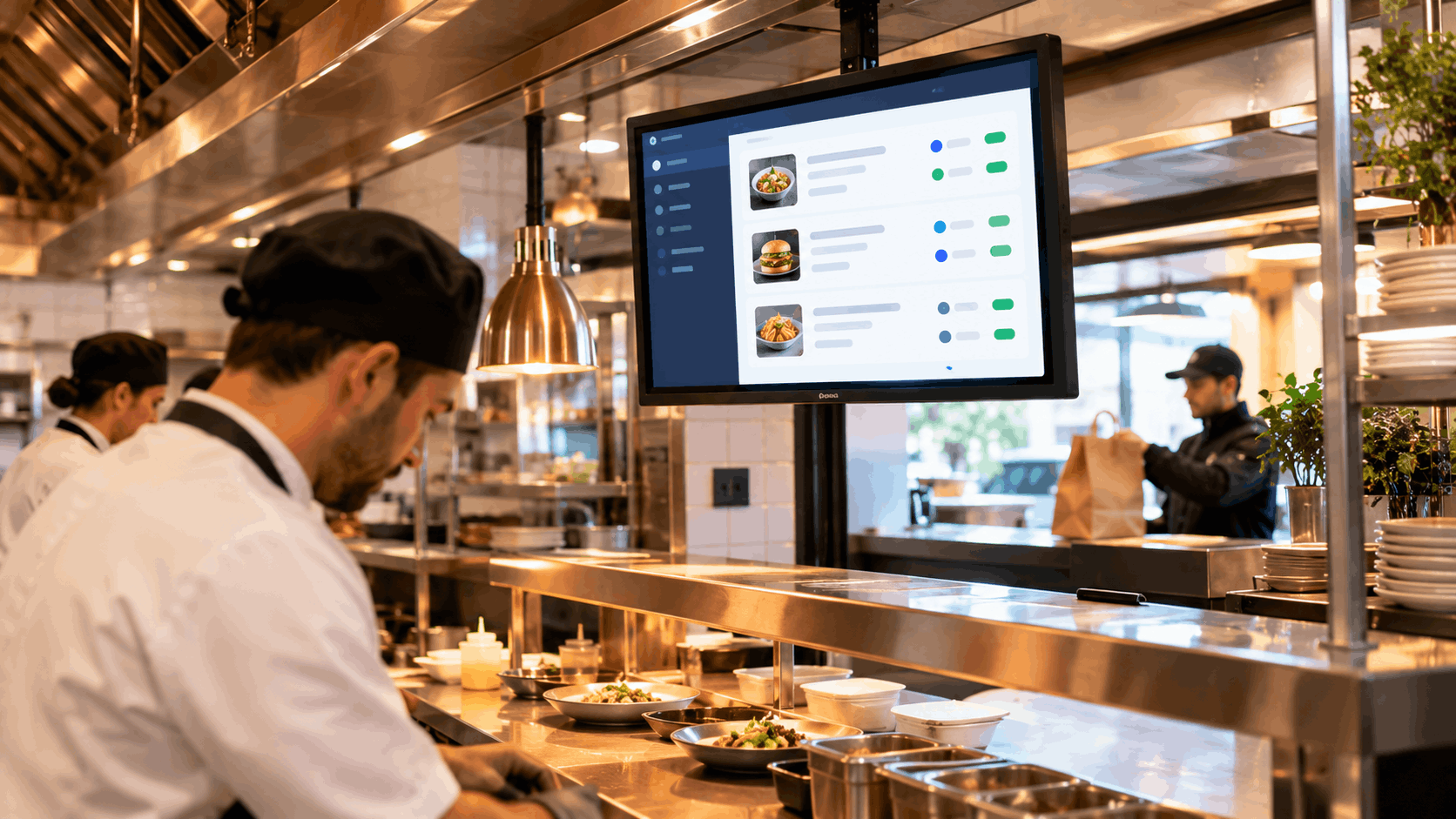
The moment the order lands in the POS, it's passed on to the kitchen. With a kitchen display system for restaurants, it appears on the correct station screen immediately, alongside dine-in and takeaway orders, clearly labeled as a delivery order.
4. Kitchen Staff Prepare and Update Status
As items are completed, staff mark them on the screen. That progress is visible across the kitchen and can be used to trigger the next step in fulfilment.
5. Dispatch Is Coordinated
Once the order is ready, it can be handed to a driver or passed to a delivery dispatch tool, so pickup is coordinated without staff needing to make manual calls or updates.
Why a Single Kitchen Queue Matters
One of the biggest advantages of automatic order flow is that delivery orders stop being a separate stream of work. When they land in the same queue as every other order, kitchen staff can:
- Prioritize based on actual order timing, rather than whichever tablet they happened to notice first
- See the full workload across all channels at once
- Avoid the confusion of juggling paper tickets, tablet alerts, and screen orders at the same time
This is one of the main reasons restaurants pair strong restaurant delivery integrations with a connected kitchen display, rather than treating delivery as an add-on channel handled separately.
What to Look for in Delivery Integrations
Not every integration delivers this kind of seamless flow. When evaluating restaurant delivery integrations, it's worth checking:
- Is the connection two-way? Orders should flow into the POS, and status updates should flow back out to the delivery platform.
- Are modifiers and notes preserved? Details lost in translation between systems defeat the purpose.
- Does it route to the kitchen automatically? The order should reach the kitchen display without a staff member acting as the middleman.
- Does it work with the platforms you actually use? Support for your specific marketplaces and dispatch tools matters more than a long list of logos.
- Is it native or bolted on? Native connections tend to be more reliable than third-party workarounds that rely on manual syncing.
The Bigger Picture: Connected Systems
Delivery is only one piece of a larger picture. The same principle applies across payments, online ordering, analytics, and marketing tools. Strong restaurant POS integrations mean that information entered once is available everywhere it's needed, rather than being retyped or reconciled by hand between systems.
When your POS sits at the center of these connections, the kitchen doesn't need to care where an order came from. Whether it started as a table order, a phone call, or a delivery app, it arrives in the same format, in the same place, at the same speed.
Final Thoughts
Manual entry of delivery orders is one of those problems that feels normal until you see how much time and accuracy it costs. With the right connections in place, delivery orders move from the marketplace to the POS to the kitchen screen without anyone touching them, giving your team more time to focus on preparing food and serving guests.
If you are rethinking how delivery fits into your operation, it's worth seeing how ERPFY's restaurant POS integrations connect delivery platforms directly to your POS, and how orders appear on a kitchen display system for restaurants the moment they arrive.
Ready for a smoother shift?