
Quick Service vs. Dine-In: Choosing the Right POS Setup
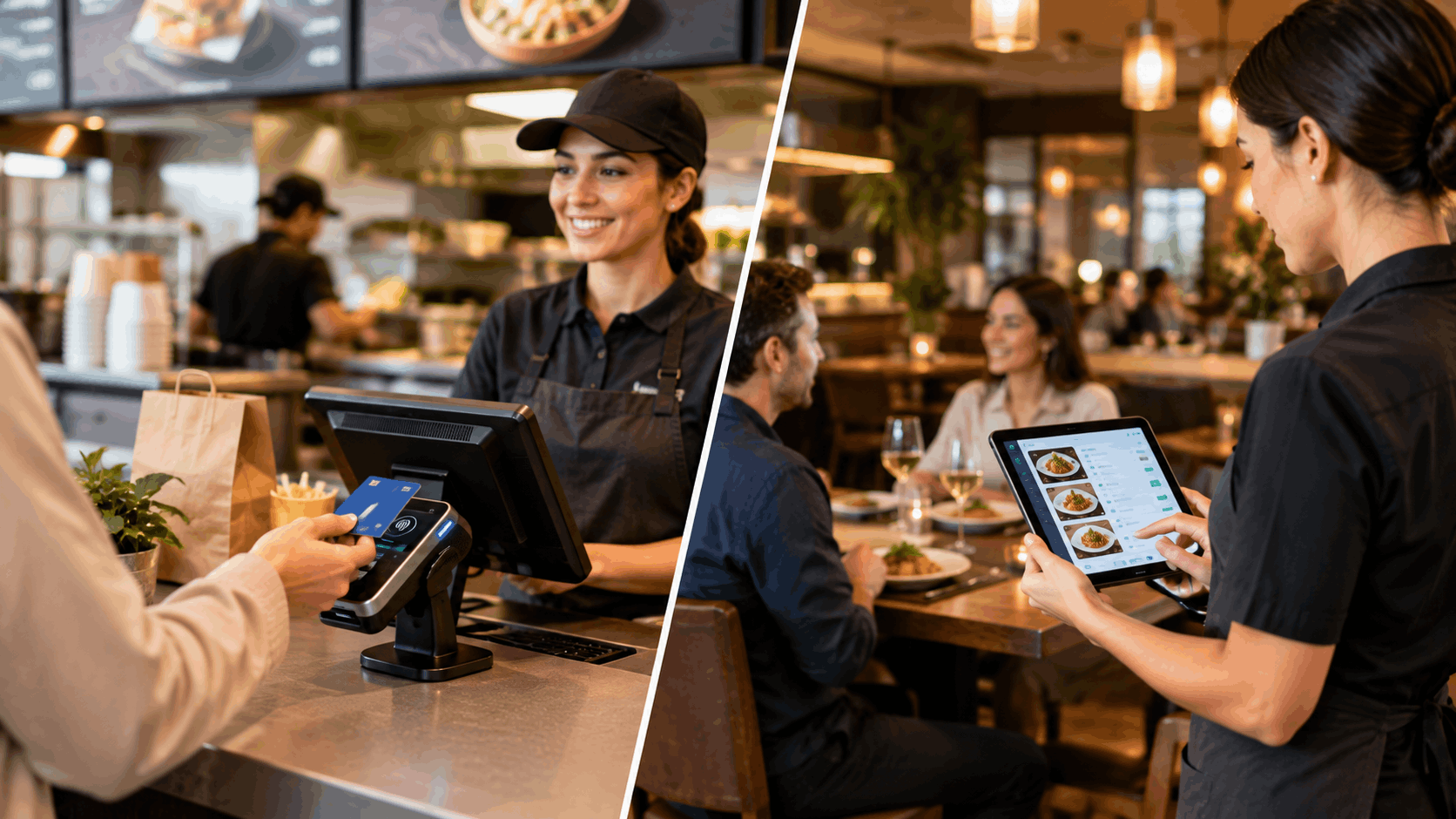
Not every restaurant operates the same way, and your POS setup shouldn't treat them as if they do. A quick-service counter and a full-service dine-in restaurant have fundamentally different workflows, and choosing the wrong configuration can slow down exactly the parts of service that matter most. Here's how to think through which setup actually fits your restaurant.
Why the Setup Matters More Than the Software Itself
Many restaurant owners assume that any capable restaurant POS and payment system will work regardless of service style. In reality, the same software can be configured very differently depending on whether you're running a fast, high-turnover counter or a slower-paced, table-service dining room. Getting this configuration right has a bigger impact on daily operations than most owners expect.
Quick Service: What Actually Matters
Quick-service restaurants live and die by speed. Every extra second at checkout adds up across dozens or hundreds of transactions a day. When setting up restaurant point of sale software for a quick-service environment, prioritize:
1. Minimal Taps Per Order
The fewer steps it takes to ring up a common order, the faster your line moves. Quick-select buttons for popular items and simple, common modifiers matter more here than deep customization options.
2. Fast Payment Processing
Contactless and tap payments should be the default, not an afterthought. Anything that adds friction at the point of payment directly slows down your line.
3. Simple, Repeatable Order Flow
Most quick-service orders follow similar patterns. Your setup should be optimized around speed and consistency, rather than flexibility for complex customization.
4. Kitchen Routing Built for Volume
Since quick-service kitchens often prepare many similar items quickly, order routing should prioritize simplicity and clear sequencing over complex multi-course coordination.
Dine-In: What Actually Matters
Full-service dine-in restaurants have a different rhythm entirely. Speed still matters, but coordination, accuracy, and guest experience often take priority over raw transaction speed. A dine-in configuration should focus on:
1. Table and Seat-Level Order Management
Orders need to be tied to specific tables, and often specific seats, so servers can track exactly what's happening at each table without confusion.
2. Course Timing and Multi-Item Coordination
Dine-in service often involves multiple courses arriving at different times. Your setup should support this pacing, rather than treating every order as a single, immediate transaction.
3. Flexible Split Billing
Groups dining together frequently want to split a bill by item, by seat, or evenly. This needs to be a built-in, easy function, not a manual workaround handled by staff.
4. Table Status Visibility
Staff benefit from seeing which tables are occupied, which are ready for the next course, and which are ready to close out, all in real time.
Can One System Handle Both?
Many restaurants aren't purely one or the other. Some offer counter service and dine-in seating in the same location, or operate multiple venues with different service styles. This is where a properly built restaurant management software setup becomes valuable, since it can be configured differently for each service style while still running on the same underlying system.
Rather than choosing entirely separate tools for quick service and dine-in, a flexible system allows you to:
- Set up a fast, simplified flow at a quick-service counter
- Run a more detailed, table-based flow in a dine-in section
- Keep reporting, inventory, and kitchen routing unified across both, rather than split between disconnected systems
Questions to Ask When Setting Up Your POS
Regardless of which service style your restaurant leans toward, it's worth asking:
- Does the system let me configure a simplified flow for quick service and a more detailed flow for dine-in, without needing two separate platforms?
- How many steps does it take to complete a common order in each setting?
- Does split billing and table management work smoothly for dine-in, without added manual effort?
- Can reporting still give a unified view, even if quick service and dine-in are configured differently?
Final Thoughts
There's no single "correct" POS setup that fits every restaurant equally well. What matters is configuring your restaurant POS and payment system around how your restaurant actually operates, whether that's a fast-moving counter, a full-service dining room, or some combination of both. Getting this right means your technology supports your service style, instead of forcing your team to work around it.
If you're setting up or reconsidering your POS configuration, it's worth exploring how ERPFY's restaurant POS system adapts to both quick-service and dine-in workflows within one connected platform.
Ready for a smoother shift?