
What Is a POS System and How Does It Work? (2026 Guide)
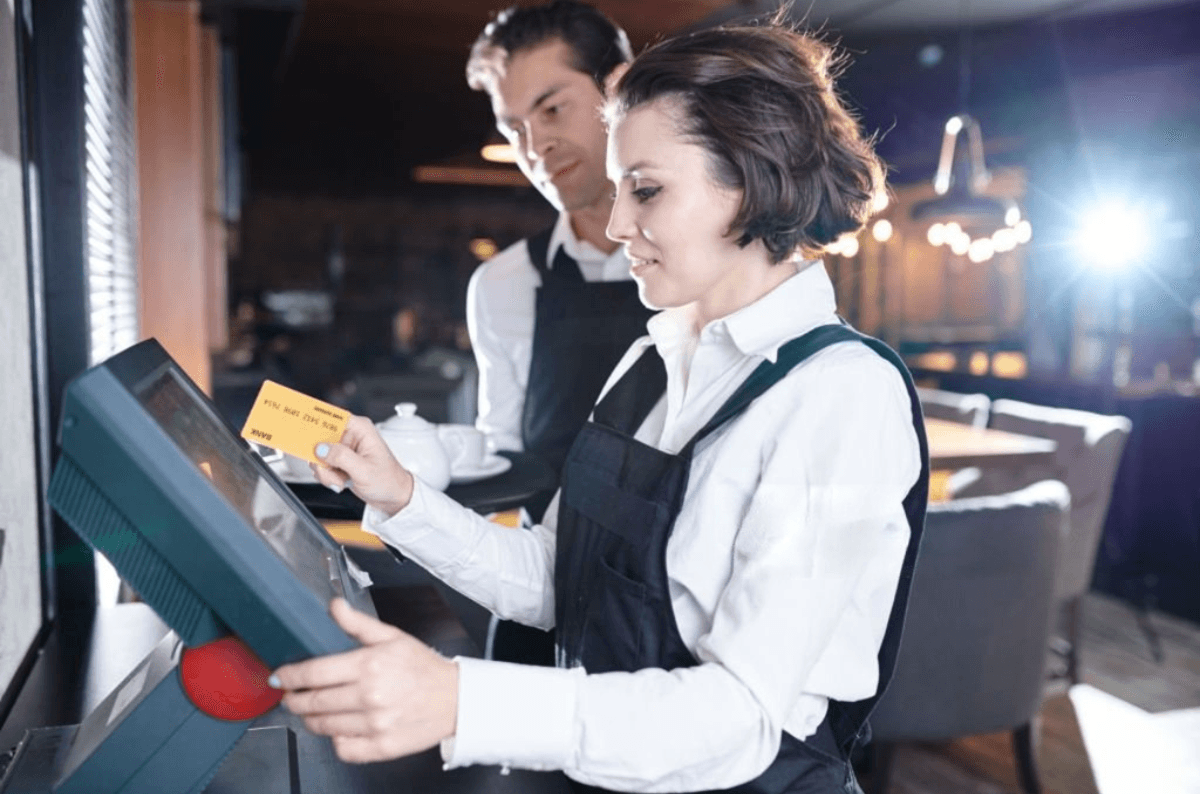
If you run a shop, restaurant, salon, or any business that takes payments, you've probably heard the term "POS system" thrown around constantly. But what actually is a POS system, and how does it work behind the scenes? This guide breaks it down in plain terms — no tech jargon required.
What Is a POS System?
POS stands for Point of Sale — literally, the point at which a customer pays for goods or services. A POS system is the combination of hardware and software that lets a business process that transaction, whether that's a card reader at a coffee shop counter, a tablet at a restaurant table, or a checkout screen at a boutique.
But modern POS systems do a lot more than just "ring up" sales. Today's systems typically combine:
Payment processing — accepting cash, card, and digital payments securely
Inventory tracking — updating stock levels automatically with every sale
Sales reporting — showing what's selling, when, and to whom
Customer management — storing purchase history and loyalty data
Staff management — controlling what each employee can access or do
In short, a POS system is the operational hub of a business — it's not just a cash register, it's a business management tool.
How Does a POS System Work?
At a basic level, a POS system works in four steps:
1. The Sale Is Entered
An item is scanned, selected on a screen, or manually entered by staff. The system pulls up the price, applies any discounts or taxes, and calculates the total.
2. Payment Is Processed
The customer pays — by card, cash, mobile wallet, or contactless tap. The POS system communicates with a payment processor to securely verify and complete the transaction in seconds.
3. Inventory Updates Automatically
Once the sale is confirmed, the system deducts the sold item from your stock count in real time. This means you always know what's actually on your shelves without manually counting.
4. Data Is Recorded and Reported
Every transaction feeds into your sales reports — giving you insight into your best-selling products, peak sales hours, and overall revenue trends. This is where a POS system becomes a decision-making tool, not just a payment tool.
Why Businesses Need a POS System (Not Just a Cash Register)
A cash register can total a bill. That's it. A POS system, on the other hand, actively helps you run your business:
Fewer errors — automated calculations mean no manual math mistakes
Real-time inventory control — know exactly what's in stock, reducing overstocking or running out
Faster checkout — shorter lines, happier customers
Better decision-making — sales data shows you what's actually working
Staff accountability — access controls limit who can void sales, apply discounts, or access sensitive data
Customer loyalty — many systems let you track repeat customers and reward them automatically
For growing businesses — whether you're running a single café or managing multiple retail locations — this shift from "just processing payments" to "actively managing operations" is what makes a POS system essential rather than optional.
Types of Businesses That Benefit From a POS System
POS systems aren't one-size-fits-all. Depending on your business type, you'll need different features:
Retail shops need strong inventory tracking and barcode scanning
Restaurants need table management, kitchen order routing, and split billing
Salons and appointment-based businesses need scheduling integration alongside payments
Multi-store businesses need centralized reporting across all locations
Choosing the right system means matching its features to how your business actually operates — not just picking the cheapest or most popular option.
Key Features to Look for in a POS System
When evaluating a POS system, look beyond just "does it take payments." Prioritize:
Smooth, secure payment processing — including contactless and mobile options
Real-time inventory management — so stock levels are always accurate
Customizable reporting — to track the metrics that matter to your business
Staff access controls — to protect sensitive data and prevent errors or misuse
Customer loyalty tools — to turn one-time buyers into repeat customers
Scalability — the system should grow with you, whether you're a single store today or a multi-location business tomorrow
A well-designed all-in-one point-of-sale system brings all of these features together in one platform, rather than forcing you to juggle separate tools for payments, inventory, and reporting.
Final Thoughts
A POS system is far more than a digital cash register — it's the operational backbone of a modern business. From processing payments and tracking inventory in real time, to giving you the sales data you need to make smarter decisions, the right POS system can directly improve both efficiency and profitability.
If you're not sure which features your business actually needs, or want a system that scales as you grow, it's worth getting in touch with a POS specialist to walk through your specific setup before you commit to a platform.
Ready for a smoother shift?