
7 Signs Your Kitchen Needs a Digital Display System
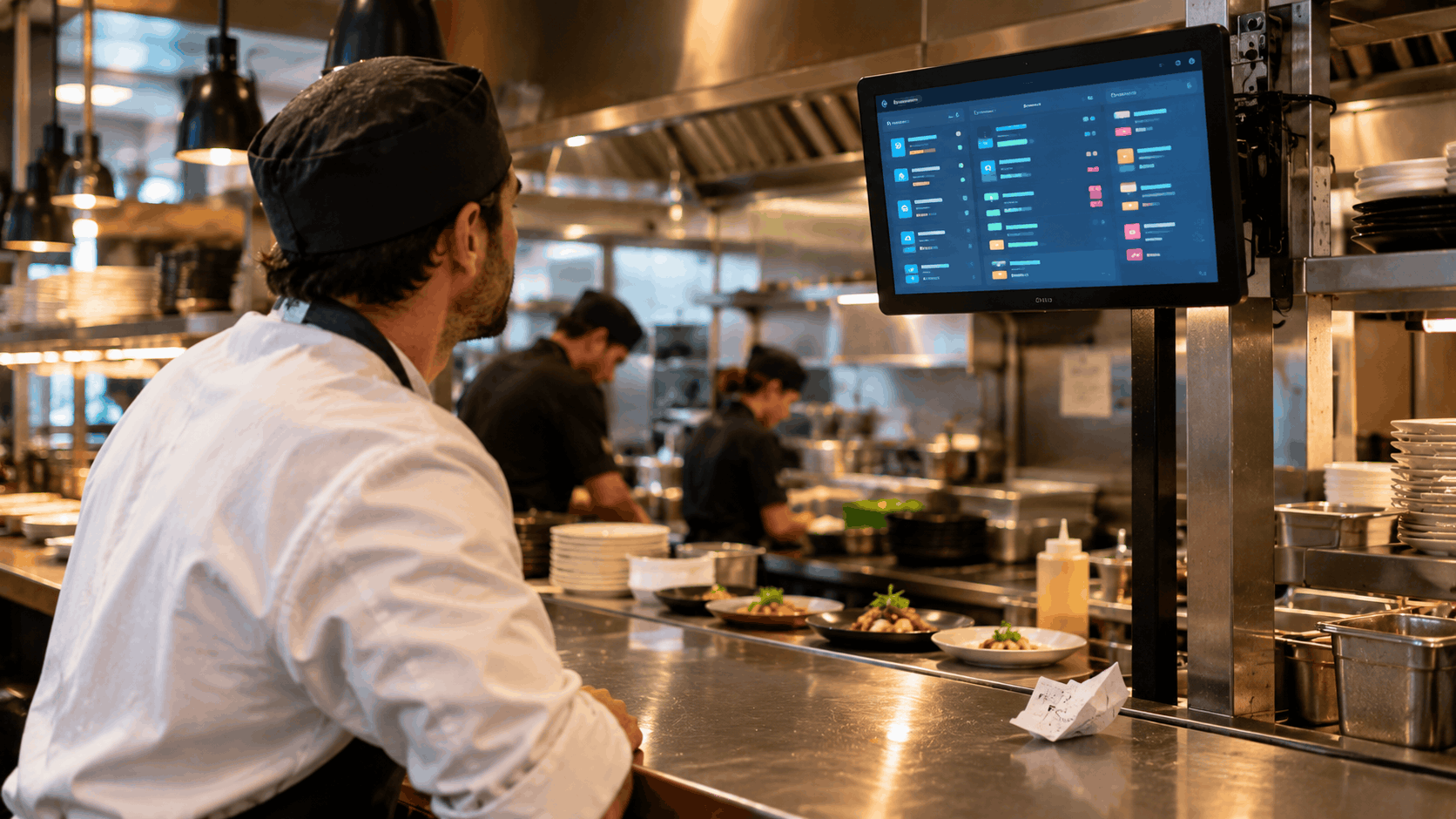
Most kitchens do not decide to change how they handle orders until something breaks. A ticket goes missing during a Saturday rush, a table waits far too long, or a cook makes the wrong dish because a note was hard to read. If any of that sounds familiar, the way orders reach your kitchen may be the real problem. Here are seven signs it is time to move away from paper and printers.
1. Tickets Get Lost, Smudged, or Buried
A paper ticket is easy to misplace. It slides off the rail, gets splashed with sauce, or ends up under another slip. When that happens, the order is either forgotten or remade after the guest asks about it. A digital screen keeps every active order visible until someone marks it complete, so nothing quietly disappears.
2. Cooks Misread Handwriting or Printer Output
Rushed servers write quickly, and thermal printers fade or print in tiny type. A misread modifier means a wrong dish, wasted food, and an unhappy guest. Typed orders on a screen show every item and note clearly, in the same format every time.
3. Your Kitchen Relies on Shouting
Calling out orders across the line works in a small kitchen on a quiet night. Once volume rises, it creates noise, confusion, and missed details. If your team spends more energy relaying information than cooking, the way orders are communicated needs to change.
4. Delivery and Phone Orders Are Handled Separately
When delivery orders arrive on one tablet, phone orders get written on a notepad, and dine-in tickets print from the counter, the kitchen has three or four places to check. Orders get noticed late or out of sequence. A single queue that gathers every order source in one view removes this problem and gives the kitchen a clear sense of its true workload.
5. Stations Do Not Know What Other Stations Are Doing
If the grill finishes before the fry station, or a plate sits waiting because one component is missing, coordination is the issue. Paper gives every station the same ticket, with no easy way to see progress. Screens that route items to the right station and show what is done and what is pending keep everyone working in step.
6. You Cannot Tell How Long Orders Actually Take
Many owners have a rough feeling that service is slow at certain times, but no figures to confirm it. Without timing data, you cannot tell whether the delay comes from a particular station, a particular shift, or a particular type of order. A kitchen order display system records how long each order takes, which gives you something concrete to improve.
7. Your Front of House Keeps Asking Whether Food Is Ready
When servers walk to the pass repeatedly to check on tables, that is time away from guests. Food also sits and cools when nobody realizes it is finished. If a dish is marked ready on a screen and that status reaches the floor straight away, servers can collect food promptly and spend more time with their tables.
What to Do If You Recognize Several of These
Spotting two or three of these signs does not mean your kitchen is failing. It usually means your volume and number of order channels have outgrown a paper-based process. A few practical steps help you move forward:
- Write down where mistakes happen most. Wrong modifiers, late delivery orders, and lost tickets point to different fixes.
- Count your order sources. The more channels you have, the more a single queue helps.
- Think about layout. Decide how many screens you need and where they should be mounted, for example one per station and one at the pass.
- Involve your kitchen team early. The people who cook every day will spot practical issues quickly, and they are more likely to adopt a system they helped choose.
What to Look For When Choosing a System
When comparing options, check a few things that matter in daily use:
- Direct connection to your ordering system. Orders should appear on screen without anyone re-entering them.
- Routing by station. Each cook should see only the items relevant to them.
- Clear labels for order type. Dine-in, takeaway, and delivery should be easy to tell apart.
- Timers and status updates. The kitchen and front of house should see the same live information.
- Hardware that suits a kitchen. Screens need to cope with heat, grease, and frequent cleaning.
A kitchen display system for restaurants works best when it shares data with the rest of your operation, so it is worth asking how any option connects to your current restaurant POS system before you commit.
Final Thoughts
Paper tickets served kitchens well for a long time, but they were built for simpler service. If orders go missing, notes get misread, stations lose coordination, or delivery and phone orders arrive from all directions, those are clear signals. Moving to a kitchen order display system gives your team one reliable place to see what needs cooking, and gives you the timing information needed to keep improving service.
If several of these signs describe your kitchen, a kitchen display system for restaurants that connects directly to your restaurant POS system is a sensible next step, and often one of the quickest ways to reduce errors and keep service moving during busy shifts.
Ready for a smoother shift?