Ask about the job
Name the venue and the service window. Explain the shortage, booking or order your team needs help with.

Ask a restaurant question. Check the records. Review the proposed next step before anything changes.
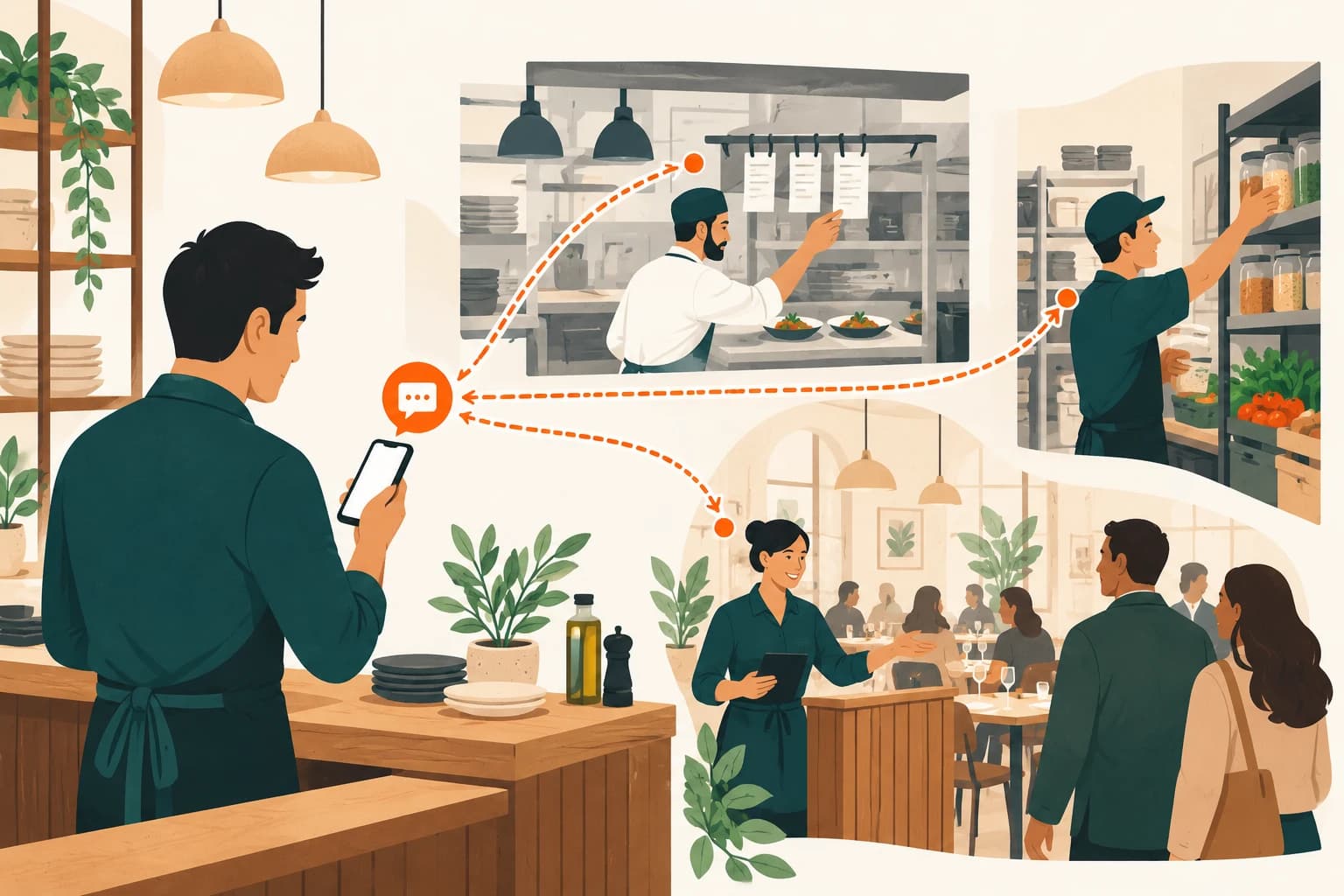
“We’re out of burrata—what needs to change?” is a restaurant job, not a report name. The proposed loop separates the records, the recommendation and your decision. Live actions still need a supported connection and the right permissions.
Name the venue and the service window. Explain the shortage, booking or order your team needs help with.
Find the relevant permitted records, check their timestamps and say what is missing before preparing an answer.
Show the affected items and the proposed scope. Pausing two dishes must not quietly become a whole-menu change.
An authorised operator reviews the proposal. Permission to read a record is not permission to change it.
Check the connected system’s result and keep the outcome with the request. An approval alone is not proof of success.
These examples use sample data. Nothing is sent to a restaurant or changed in ERPFY.
We’re out of burrata. What needs to change?
Stock would check the connected restaurant records before answering. Start with the example data below.
The important moment isn’t when an agent answers. It’s when your team knows exactly what would change.
Before an item is paused or a booking is changed, review the exact proposal: which records, which venue and which service window. A draft is not permission to act.
Read the preview. Then make the decision.
Explore the drawings with your pointer or touch. Keyboard: Tab into a drawing, then use Enter or the arrow keys; Escape returns it to rest. Illustrations only—no venue actions.
The tool layer is the bridge to a specific restaurant module. It should only expose the reads and actions the venue actually supports.
A fresh physical stock count is not the same as an estimate from sales. Both need context.
A draft for two dishes is not permission to change the whole menu or every ordering channel.
An approval is not proof of success. The connected system must confirm what happened.
Planned voice-note access should show the interpreted request for checking. A misheard ingredient or table number should not become a silent action.
Proactive updates should have an agreed purpose and schedule, with an opt-out. The sample pages do not send notifications or enable a briefing service.
Choose a practical first job and the team members who will review it.
Check the source modules, supported actions and access rules together.
Compare the preview, operator decision and system result before extending the scope.
Before you get started
Walk through sample checks, previews and approvals without changing a real restaurant.
Try the examples