Ask it like you’d ask your team.
Type a question or explain the restaurant job. You don’t need to know which report or screen holds the answer.

ASK ERPFY / A NEW WAY TO RUN THE SHIFT
Less screen hunting.
More time for service.
Ask about the numbers, check the kitchen, or prepare a change. One message finds the agent for the job.
Try an example Explore the planned agent experience.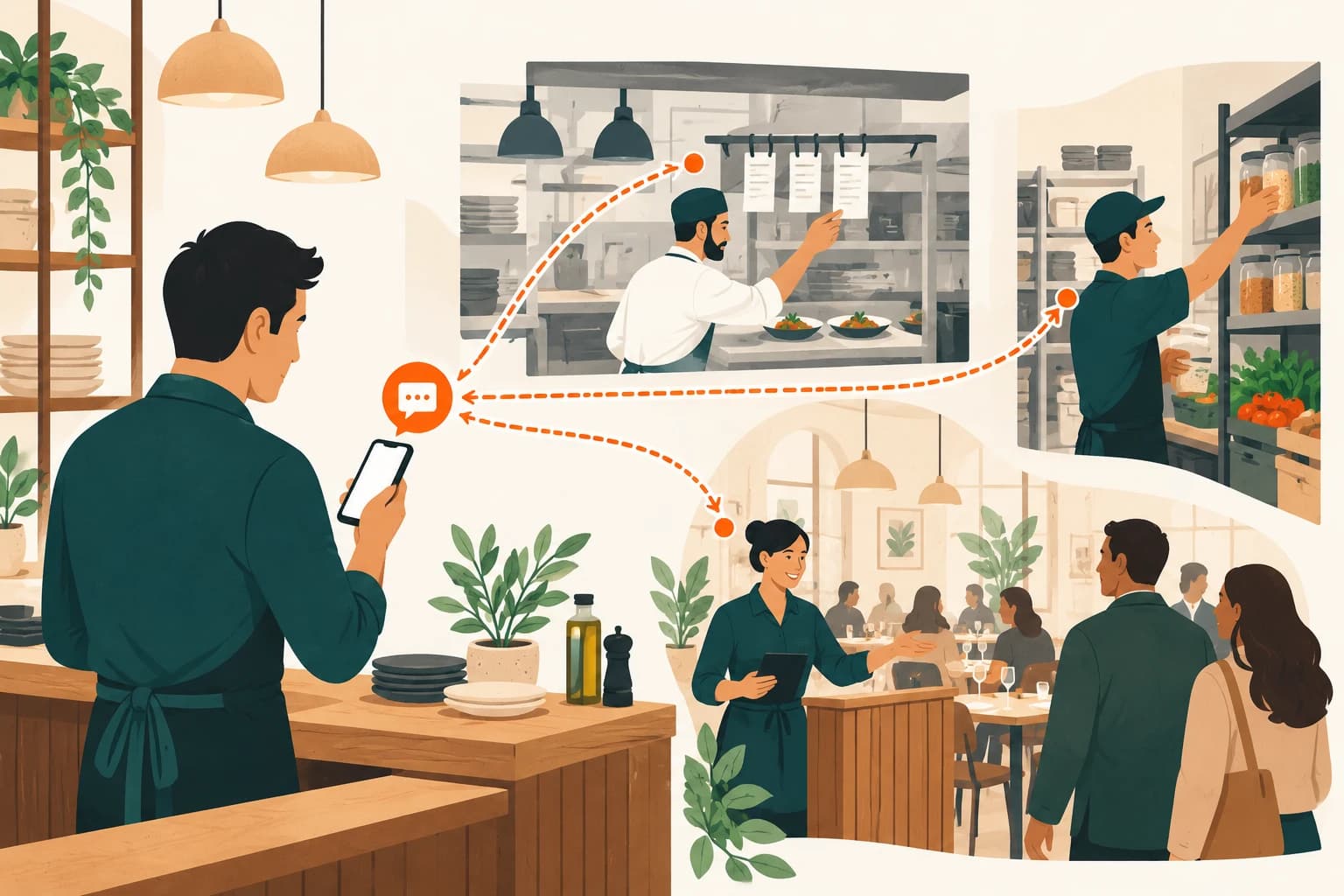
HOW ASK ERPFY IS DESIGNED TO WORK
Your team knows the question. ERPFY connects it to the restaurant information and the specialist that can help.
Type a question or explain the restaurant job. You don’t need to know which report or screen holds the answer.
The intended workflow connects the question to the relevant sales, bookings, menu, stock or service modules.
Review the answer or proposed action, including the affected items and any missing information.
The proposed model puts changes behind permission and approval, with a record of the action and who authorised it.
DON’T JUST READ ABOUT IT
Pick a question. See the records it checks. Review the answer, approve a demo change, or press STOP.
These examples use sample data. Nothing is sent to a restaurant or changed in ERPFY.
How’s dinner looking?
Pulse would check the connected restaurant records before answering. Start with the example data below.
MEET YOUR RESTAURANT SPECIALISTS
A growing lineup for the work behind every service. These are the agents we’re planning; ask us about availability for your venue.
The numbers, the close, and the things that need a second look.

Growth & analytics
A clear briefing on sales, trading patterns and where your restaurant has room to grow.
“How did we trade compared with last Friday?”Planned / Coming soon

Profitability & costs
Bring sales, payments and available cost records together for a clearer end-of-day review.
“What still needs checking before we close?”Planned / Coming soon

Diagnostics & issue fixing
Trace an order or operational issue through the connected records and suggest the next check.
“Why hasn’t this delivery order reached the kitchen?”Planned / Coming soon
From the first booking to the last ticket on the pass.
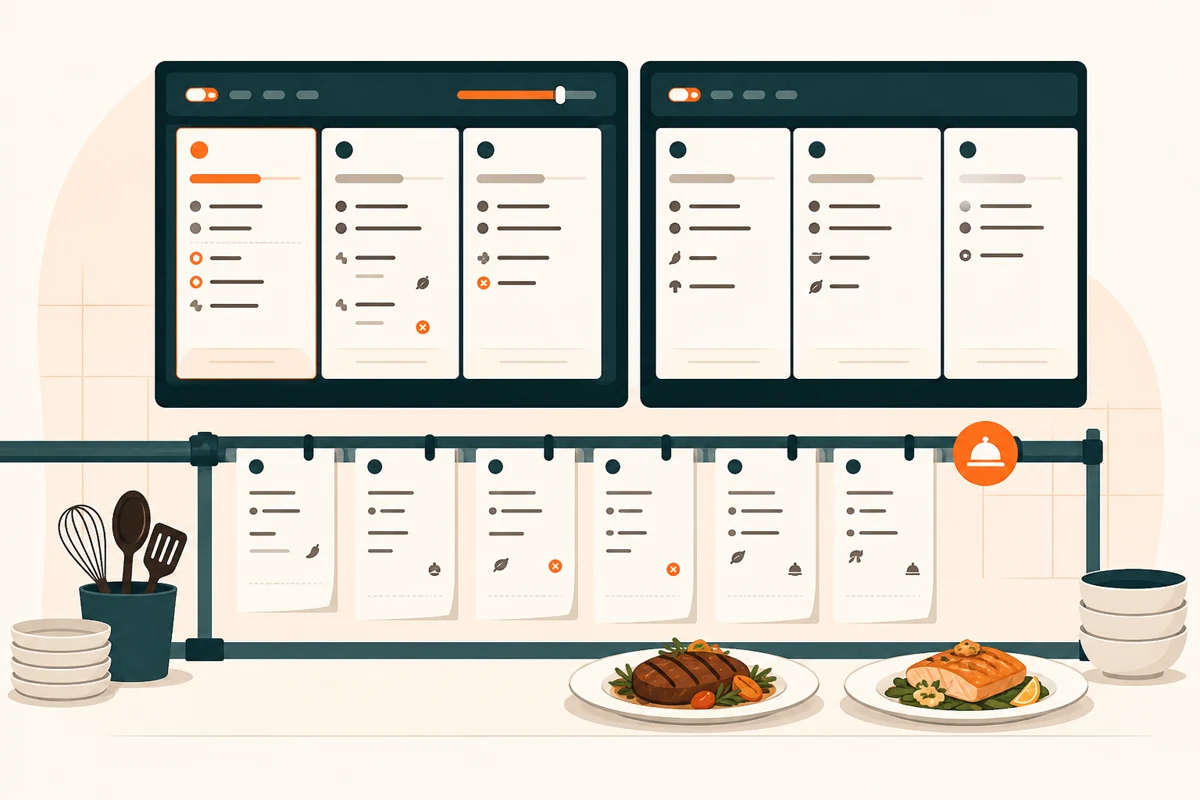
Orders & delivery
Put open orders, kitchen activity and delivery progress into a useful picture of service.
“Which orders need our attention right now?”Planned / Coming soon
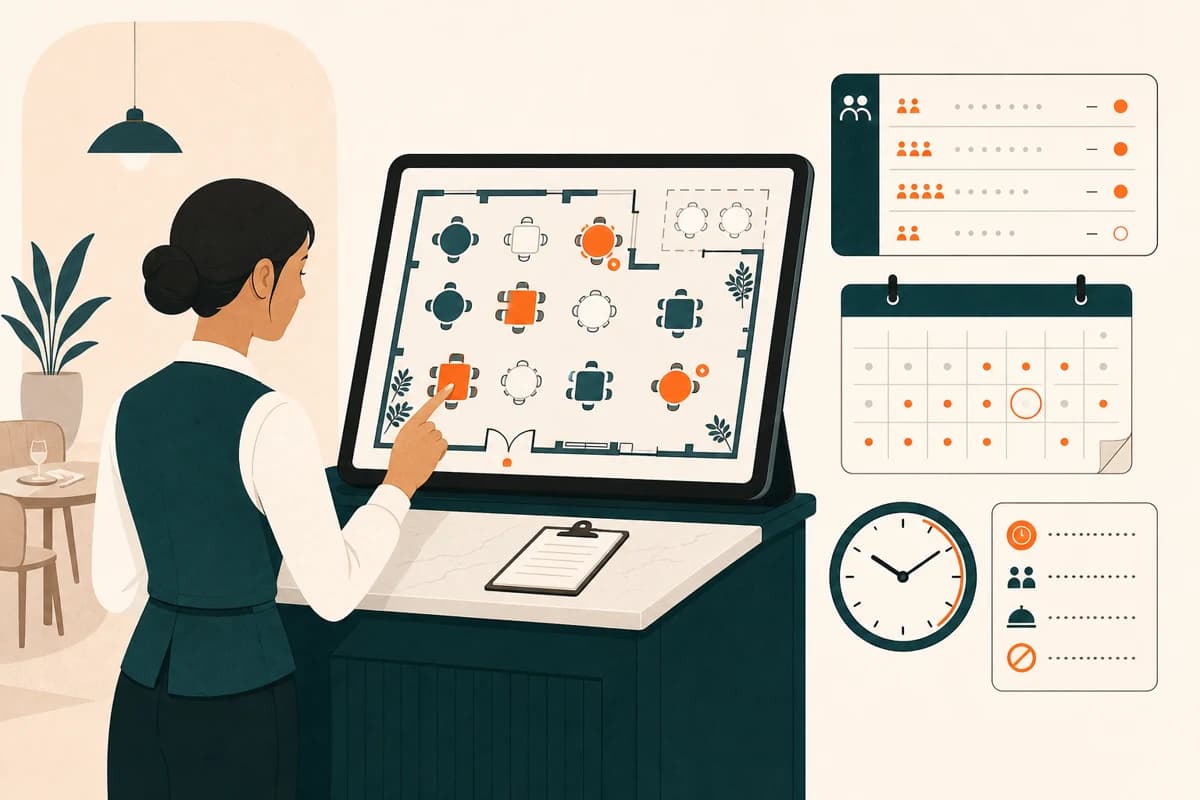
Guest CRM & loyalty
Bring bookings, guest preferences and loyalty information into a better-prepared welcome.
“What should we know about tonight’s returning guests?”Planned / Coming soon

Sales & group bookings
Help turn function enquiries into clear proposals with guest counts, menu choices and service notes.
“Prepare a proposal for a group of twenty.”Planned / Coming soon
What’s on the shelf, what’s on the menu, and what needs recording.
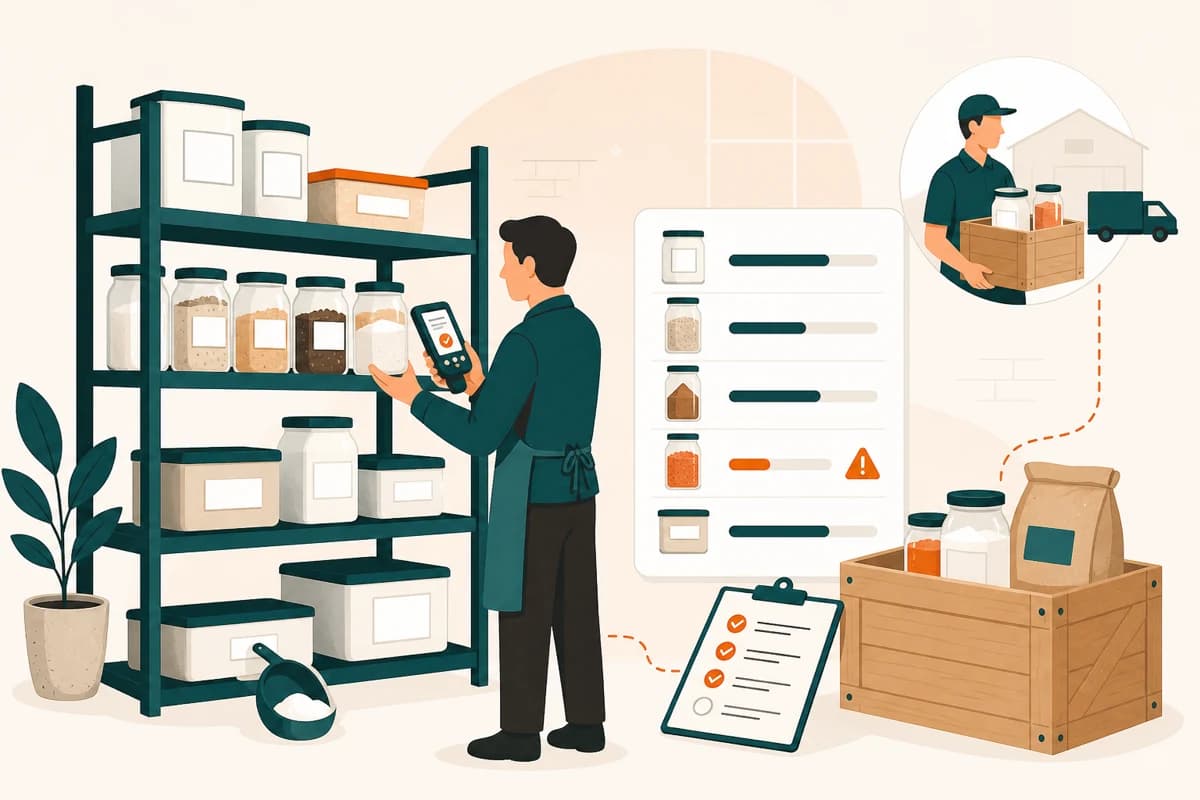
Inventory & waste
Review ingredient levels, spot waste patterns and prepare availability changes for approval.
“We’re out of burrata. What needs to change?”Planned / Coming soon

Recommendations & upselling
Review menu performance and suggest useful pairings, descriptions and dishes to highlight.
“Which sides pair best with our popular mains?”Planned / Coming soon
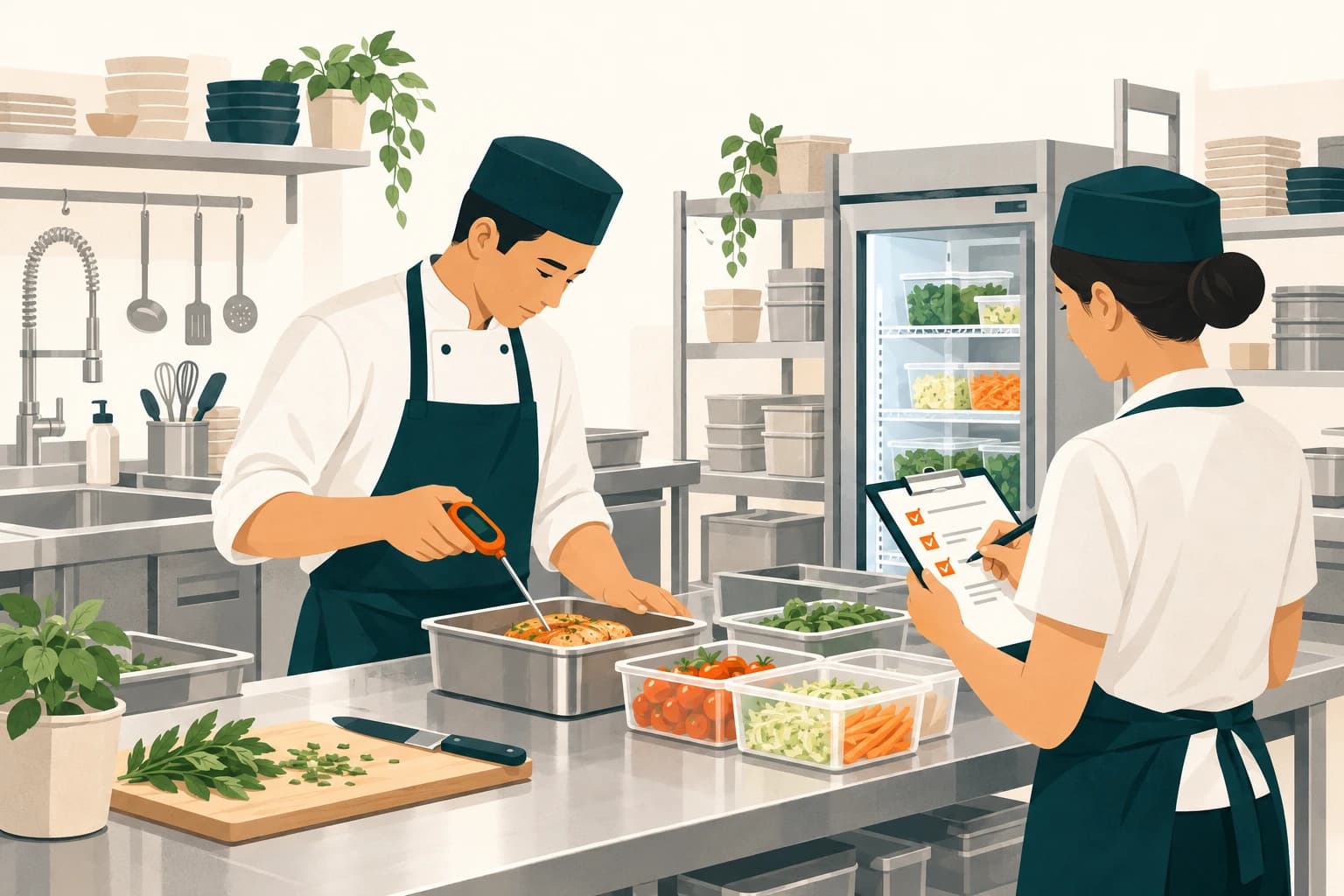
Operations & safety records
Help your team find missing operational checks and organise food-safety records for review.
“Which temperature checks are still missing today?”Planned / Coming soon
A better-prepared team and more thoughtful guest follow-up.
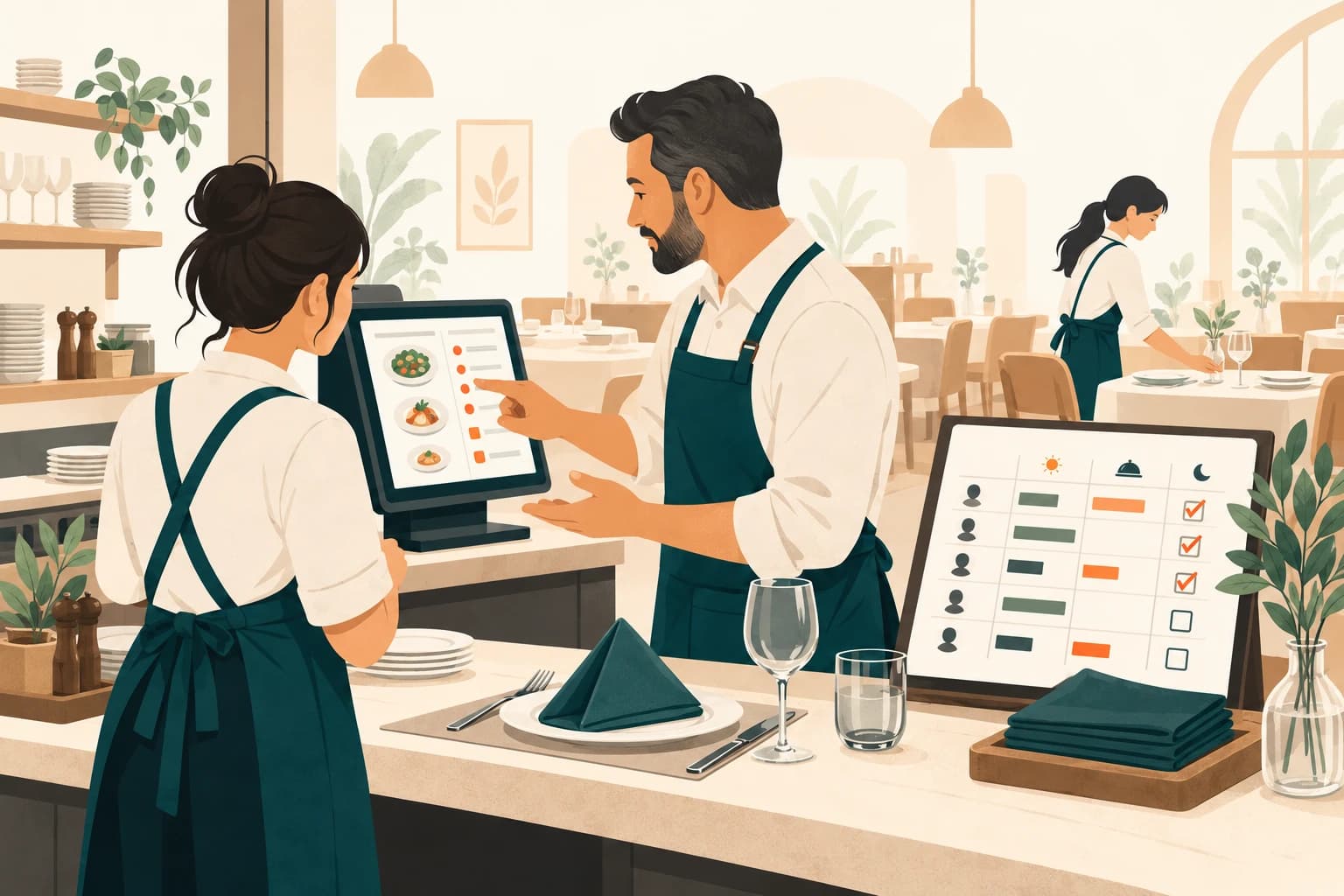
Staff & training
Review staffing gaps, prepare service briefings and help your team find the training they need.
“What should our new starter learn before Friday?”Planned / Coming soon

Marketing & social media
Prepare guest campaigns, social posts and offers with a clear audience and approval step.
“Draft a midweek offer for our regulars.”Planned / Coming soon

Reviews & reputation
Find recurring feedback and draft thoughtful responses for someone on your team to approve.
“What keeps coming up in our recent reviews?”Planned / Coming soon
THE PROPOSED CONTROL MODEL
Permission to read is different from permission to act. The agent experience is being built around that distinction.
Keep questions and drafts separate from changes. Confirm the access each role and agent needs.
The intended log shows the request, proposed change, approval and result. Your team can see what happened.
A clear way to stop a pending action. Try it in the example above; completed actions need their own reversal checks.
Restaurant work doesn’t happen on one screen. The planned agent lineup connects the question to the job—while your team keeps the decision.
A dinner briefing, a stock question, an order that needs attention. Start with what your team needs to know—not the screen where the answer might be hiding.
One question. A useful next step.
An order can touch the counter, kitchen and delivery team. The planned agents bring those records into the same question, so your team can see which step needs attention.
Order context, before the next move.
Six guests need more than six chairs. Check the arrival time, table options and guest context before preparing a booking change for your team to review.
The right table. The right details.
Explore the drawings with your pointer or touch. Keyboard: Tab into a drawing, then use Enter or the arrow keys; Escape returns it to rest. Illustrations only—no venue actions.

THE PHONE HAS AN AGENT TOO
Voice Agent answers restaurant calls, books tables and takes takeaway orders. Your team stays with the guests in the room.
Explore Voice AgentTAKE A CLOSER LOOK
See where agents could fit in your restaurant. Talk through your current setup, the jobs you want help with, and the access available for your venue.
BEFORE YOU ASK
Ask ERPFY is the planned entry point for restaurant agents: ask a question in everyday language, let the right specialist check the connected modules, and review a useful answer or proposed action. The examples on this page show the intended experience.
BUILT AROUND YOUR RESTAURANT’S WORK
Start with the jobs you want off your plate. Let’s find where ERPFY can help your team.
Talk to ERPFY