Review the open queue
Group orders by their actual service stage and bring exceptions forward.

SHIFT / ORDERS & DELIVERY
A planned orders and delivery agent for the middle of service. See what is waiting, what is ready and what needs a person’s attention.
Planned / Coming soon No live or pilot release confirmed.
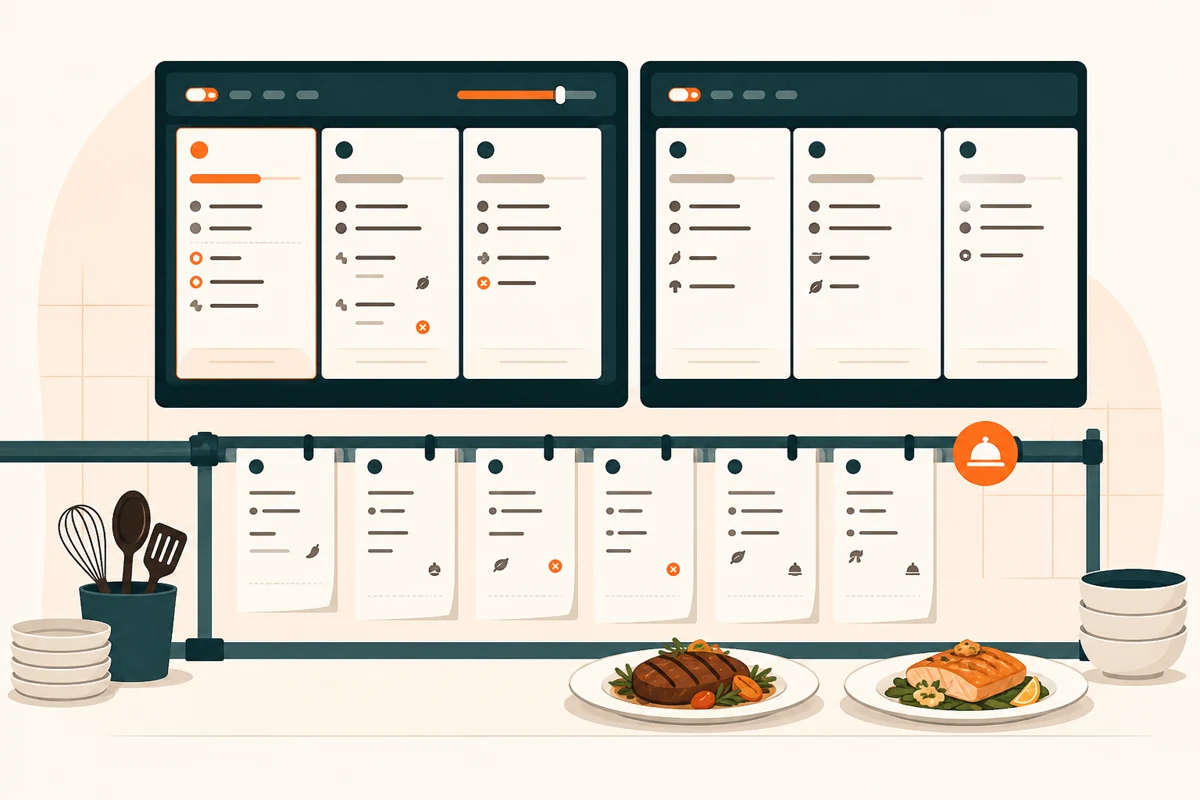
An open order is not the same as a kitchen delay, and a prepared bag is not the same as a completed delivery. Shift is designed to explain those stages without hiding the records or their timestamps.
Start with your restaurant’s orders & delivery work. Shift is planned to help your team check the records, prepare a useful next step and review the result. Available modules and actions need confirmation for your venue.
Group orders by their actual service stage and bring exceptions forward.
Connect kitchen readiness with pickup or dispatch records where a supported connection exists.
Turn the items that need attention into a short handover for the floor and kitchen leads.
FOUR QUESTIONS FOR SHIFT
Choose a sample chat. Check its records, review the next step, or use STOP. Nothing connects to or changes a real restaurant.
These examples use sample data. Nothing is sent to a restaurant or changed in ERPFY.
Which orders need our attention?
Shift would check the connected restaurant records before answering. Start with the example data below.
Shift needs the right information, not access to everything. These are the proposed inputs; a module listed here is not proof of a live connection.
When something stalls, start with the ticket and the records behind it.
An order can touch the counter, kitchen and delivery team. The planned agents bring those records into the same question, so your team can see which step needs attention.
Order context, before the next move.
Explore the drawings with your pointer or touch. Keyboard: Tab into a drawing, then use Enter or the arrow keys; Escape returns it to rest. Illustrations only—no venue actions.
PLANNED / COMING SOON
Tell us where this job could help your restaurant. The ERPFY team will discuss timing, required records and supported actions before any pilot or live access is confirmed.
Register interestThis opens the contact form with Shift in your enquiry. It does not activate an agent or confirm a place in a pilot.
Before you get started
Bring us your restaurant’s orders & delivery questions. Let’s discuss what Shift would need to work well for your venue.
Register interest