
No. These examples use fixed sample data and local state. Approve and STOP only affect the example shown on this page.
GIVE ERPFYA RESTAURANT JOB.
Walk through a sample question, record check and preview. Nothing touches a real venue.
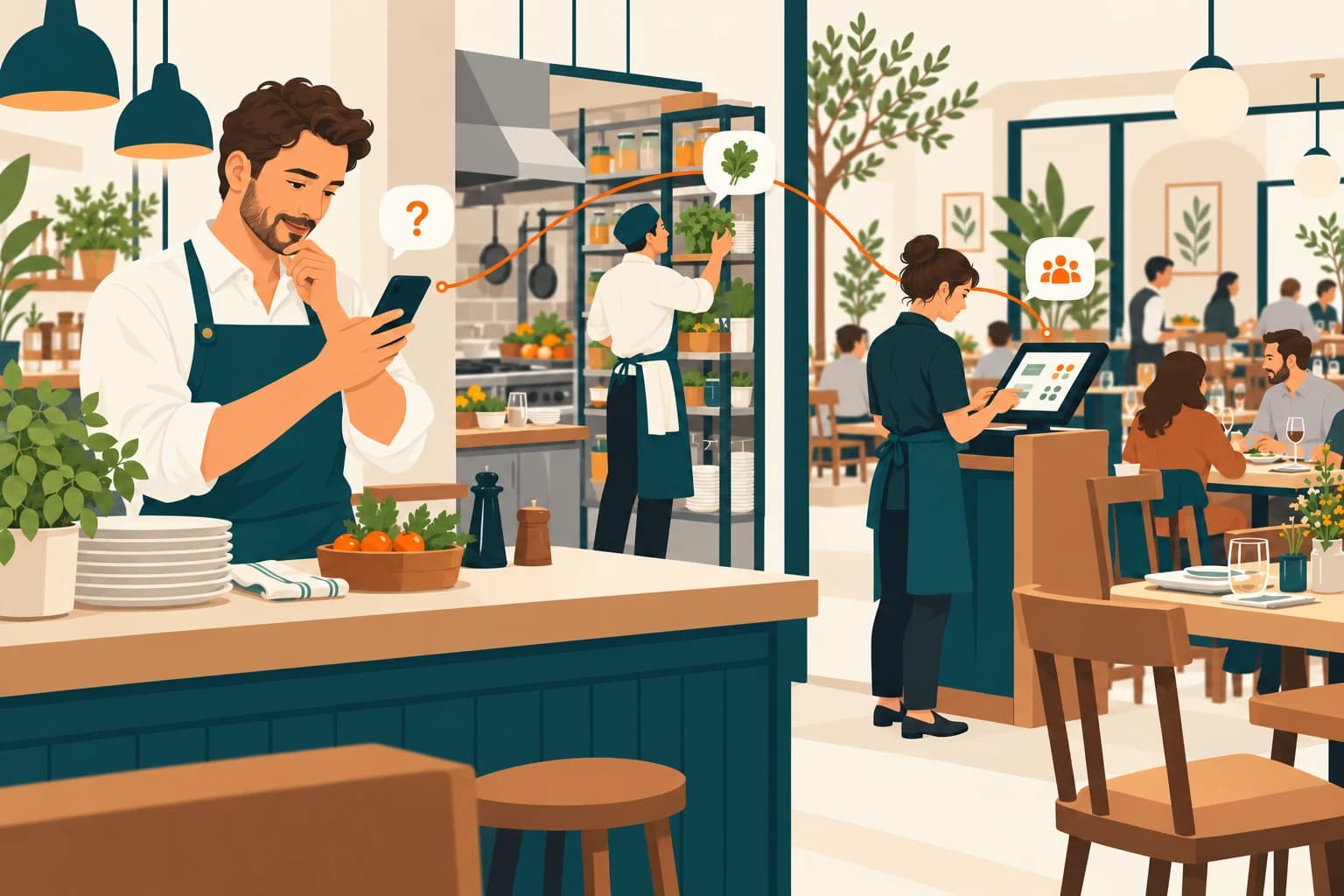
PICK THE QUESTION.FOLLOW THE ANSWER.
Get a dinner briefing, work through an ingredient shortage or review space for six guests. Read-only steps play automatically; a sample change waits for your approval. Everything here uses fixed example records.
CHOOSE A RESTAURANT JOB
These examples use sample data. Nothing is sent to a restaurant or changed in ERPFY.
Ask ERPFY / PulseINTERACTIVE EXAMPLE
- Ask
- Check
- Preview
- Done & logged
How’s dinner looking?
PULSE
The right specialist picks it up.
Pulse would check the connected restaurant records before answering. Start with the example data below.
- Today’s bookings
- Open orders
- Sales summary
YOUR WORKFLOW.A GUIDED CONVERSATION.
Bring the job that slows your shift.
A missing kitchen ticket, a menu change that needs repeating, an end-of-day check. Share your current POS and restaurant role so we can discuss the records and supported actions that job would need.
Leave with the scope clearer.
A walkthrough is a chance to ask what connects, who reviews a change and how a result would be checked. The samples illustrate the plan; live availability and controls still need confirmation for your venue.
Before you get started
GOOD QUESTIONS.CLEAR ANSWERS.
SEE IT IN CONTEXT.TALK ABOUT YOUR VENUE.
Use the enquiry form to request a walkthrough and share the workflow you want to explore.
Book a demo