
How to Get a Clear View of Your Restaurant’s Performance Without Checking Five Dashboards
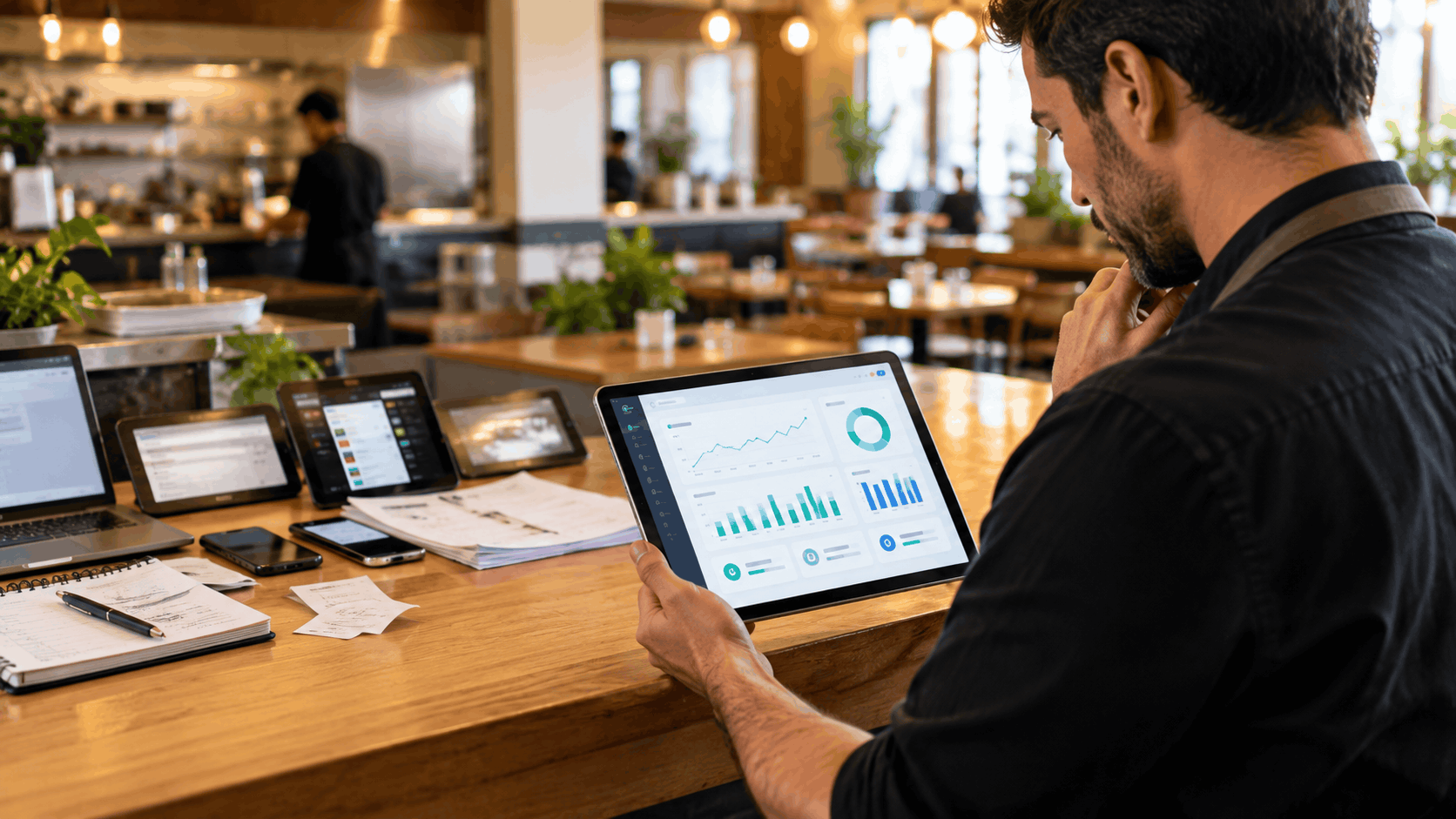
Ask most restaurant owners how last Friday went, and the answer takes a while. Sales numbers are in one place, labor costs in another, reservations in a third, and online orders somewhere else. By the time you have pulled everything together, the information is already out of date. Here is how to fix that, so you can see how your restaurant is performing at a glance.
Why Restaurant Data Ends Up Scattered
Nobody plans to run a business across five dashboards. It happens one tool at a time. A reservation app gets added because the checkout system does not handle bookings. A separate loyalty tool follows, then a delivery tablet, then a reporting add-on. Each one solves a real problem and each one collects its own data.
Your restaurant POS system usually holds the sales figures, but it may know nothing about who booked a table, which delivery orders came in, or how many guests returned this month. Every tool only sees its own slice of the business, and nobody sees the whole picture.
What Scattered Reporting Costs You
The cost goes beyond inconvenience:
- Wasted time: Managers spend hours each week copying figures between screens and spreadsheets.
- Slower decisions: If it takes a day to confirm which items sold best, ordering and scheduling decisions get made on guesswork.
- Conflicting numbers: Two tools may report the same sale differently, which leaves you unsure which figure to trust.
- Missed patterns: A drop in weekday lunch covers might connect to a change in reservations, but you will never spot the link if the data lives in separate places.
What a Clear View Actually Includes
Before changing any tools, it helps to decide what you need to see. For most restaurants, a useful overview answers a handful of questions:
- Sales: How much did we take today, this week, and compared with the same period last month?
- Order channels: How much came from dine-in, takeaway, delivery, and phone orders?
- Best and worst sellers: Which dishes drive revenue, and which ones barely move?
- Peak hours: When are we busiest, and are we staffed accordingly?
- Guest behavior: Who is returning, and how often?
- Kitchen speed: How long do orders take from entry to completion?
If you can answer all six from one screen, you have a clear view. If answering them means opening several tools, that is the problem to solve.
How to Bring Everything Into One View
1. List Every Tool You Currently Use
Write down each system and the data it holds. This usually reveals overlap, such as two tools that both track customers, and gaps, such as no tool that shows kitchen timing.
2. Decide Which Numbers Matter Most
You do not need every possible metric. Pick the handful that guide your daily and weekly decisions. Reports built around these will be used. Reports built around everything will be ignored.
3. Connect Your Order Channels
Dine-in, delivery, online, and phone orders should all feed the same system. When each channel reports separately, totals have to be added up by hand, and mistakes creep in.
4. Use One Source for Reporting
The most reliable fix is to run on a connected restaurant management platform, where orders, payments, reservations, and kitchen activity all sit in the same place. Reports then update automatically, because they draw from one shared record instead of several separate ones.
5. Set a Simple Routine
Even with one view, data only helps if someone looks at it. A quick daily check of sales and order channels, and a longer weekly review of trends, is enough for most restaurants.
What to Look for When Choosing a Reporting Setup
If you are weighing your options, a few questions separate useful tools from frustrating ones:
- Does reporting update in real time, or only after the end of the day?
- Can you view all locations together as well as each one separately?
- Does it cover every order channel, including delivery and phone orders?
- Can staff without technical skills read the reports easily?
- Can you filter by date, channel, and item without exporting to a spreadsheet?
When comparing restaurant management software, test it against these questions using your real daily routine. A demo with perfect sample data tells you very little. Ask to see how it would answer the six questions listed earlier.
Common Mistakes to Avoid
- Tracking too many numbers. A dashboard crowded with charts is just another thing to ignore.
- Relying on end-of-day reports only. Problems during a lunch rush are far easier to fix at 1 pm than the next morning.
- Keeping spreadsheets as a backup. If staff still maintain a manual sheet alongside the system, trust in the system is low and work is being doubled.
- Ignoring the kitchen. Sales data alone does not show whether service speed is slipping.
Final Thoughts
A clear view of your restaurant does not come from adding more dashboards. It comes from having fewer places to look, and from making sure those places share the same information. When sales, orders, reservations, and kitchen activity all feed one record, questions that once took an afternoon can be answered in a minute.
If you are tired of piecing numbers together, start by checking whether your current restaurant POS system can report across every channel, and consider moving to a restaurant management platform that brings the rest of your operation into the same view.
Ready for a smoother shift?