
How to Speed Up Checkout During Restaurant Rush Hours
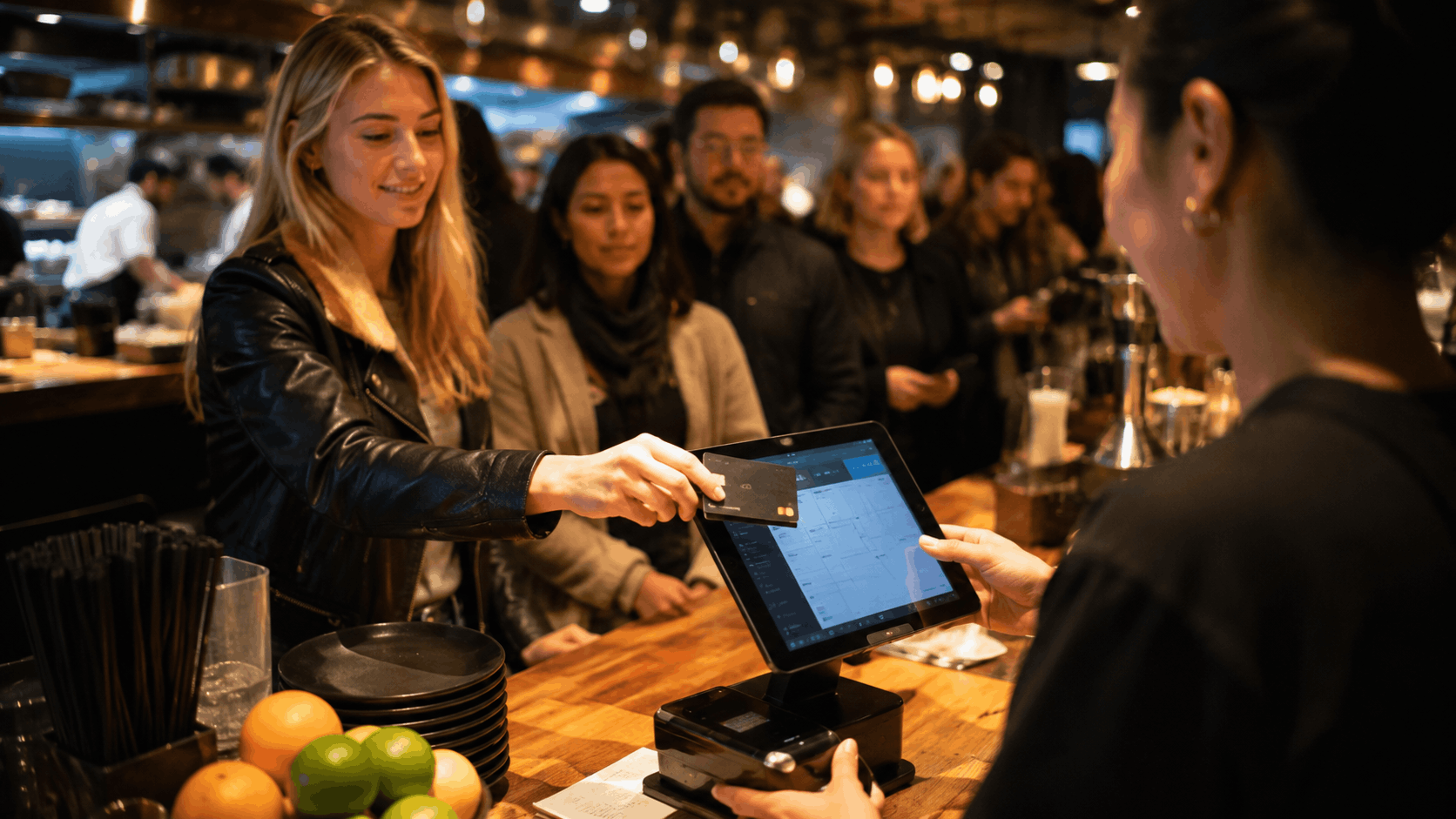
Rush hour can make or break a restaurant's day. Tables turn faster, orders pile up, and even a few extra seconds per checkout can create a bottleneck that slows down the entire service. If your team is struggling to keep checkout fast when things get busy, the good news is that most slowdowns come down to fixable process and technology gaps — not just "working harder." Here's how to actually speed things up.
Why Checkout Slows Down During Rush Hours
Before fixing the problem, it helps to understand where the time actually goes. Common bottlenecks include:
- Manual order entry that takes too long per ticket
- Payment processing that lags or requires multiple steps
- Split bills and group orders that eat up extra minutes
- Staff switching between disconnected tools for orders, payments, and kitchen communication
- Long queues at a single checkout point with no alternative ordering channels
Most of these issues trace back to one root cause: using restaurant checkout software that wasn't built to handle high-volume, fast-paced service.
1. Use Restaurant Point of Sale Software Built for Speed
Not all POS systems are created equal. Generic, retail-style systems often add unnecessary steps to a restaurant workflow. Purpose-built restaurant point of sale software is designed around how restaurants actually operate — quick item selection, fast modifiers, and streamlined payment flows that don't slow staff down mid-rush.
Look for software with:
- A simple, fast interface staff can navigate without hesitation
- Minimal taps or clicks needed to complete a sale
- Support for keyboard shortcuts or quick-select buttons for popular items
2. Offer Multiple Ordering Channels, Not Just One Counter
If every order has to funnel through a single point of sale, you've created an artificial bottleneck. Letting guests order via table QR codes, self-service kiosks, or online ahead of pickup spreads out the load, so your checkout counter isn't the only pressure point during peak hours. Good restaurant checkout software should support multiple order sources feeding into one connected system, rather than forcing everything through a single line.
3. Enable Fast, Flexible Payment Options
Payment friction is one of the biggest hidden time-wasters. Speed things up by supporting:
- Contactless and tap payments — faster than chip-and-pin or cash
- Split billing built into the system — so servers aren't doing manual math or juggling multiple transactions per table
- Saved payment profiles for regulars — reducing repeat data entry for loyal customers
If your current setup requires staff to manually calculate splits or switch between separate payment terminals, that's a clear sign your checkout process needs a better tool, not just faster staff.
4. Connect Checkout Directly to the Kitchen
A major hidden delay happens when orders aren't communicated to the kitchen instantly. If a server has to physically walk a ticket back, or if there's a lag between order entry and kitchen visibility, that's lost time multiplied across every single order during a rush. Restaurant checkout software that routes orders to the kitchen the moment they're entered — without manual re-entry — removes this delay entirely.
5. Reduce Staff Training Time With a Simple Interface
Complicated software slows down even experienced staff, and it's especially costly during high-turnover shifts or when newer team members are working the floor. A clean, intuitive interface means:
- Faster onboarding for new staff
- Fewer mistakes during high-pressure moments
- Less time spent second-guessing which button to press
If your team frequently asks "how do I do X" mid-shift, that's a strong sign your current system is adding friction rather than removing it.
6. Track Bottlenecks With Real Data, Not Guesswork
The best way to keep improving checkout speed is to actually measure it. Good POS reporting can show you:
- Average transaction time during peak vs. off-peak hours
- Which stations or staff consistently take longer
- Whether certain order types (e.g., large groups, split bills) are creating disproportionate delays
Without this data, it's easy to guess at fixes that don't actually address the real bottleneck.
Why This All Comes Back to Your POS Setup
Nearly every one of these fixes points back to the same thing: the checkout system itself. A disconnected setup — separate tools for ordering, payment, and kitchen communication — will always be slower than a connected one, no matter how skilled your staff are. On the other hand, a well-built restaurant POS system that ties ordering, payments, and kitchen routing together removes most of these bottlenecks by default, rather than requiring workarounds during every rush.
Final Thoughts
Speeding up checkout during rush hours isn't about rushing your staff — it's about removing the friction points built into a slow or disconnected system. Faster payment options, multiple ordering channels, direct kitchen integration, and a simple interface all add up to meaningfully shorter wait times, even during your busiest hours.
If your current setup is struggling to keep up during peak service, it may be time to look at restaurant checkout software built for speed and reliability. Want help figuring out where your specific bottlenecks are? Get in touch with our team — we are happy to walk through your setup.
Ready for a smoother shift?