
Why Split Bills Are Still a Headache — and How the Right POS Fixes It
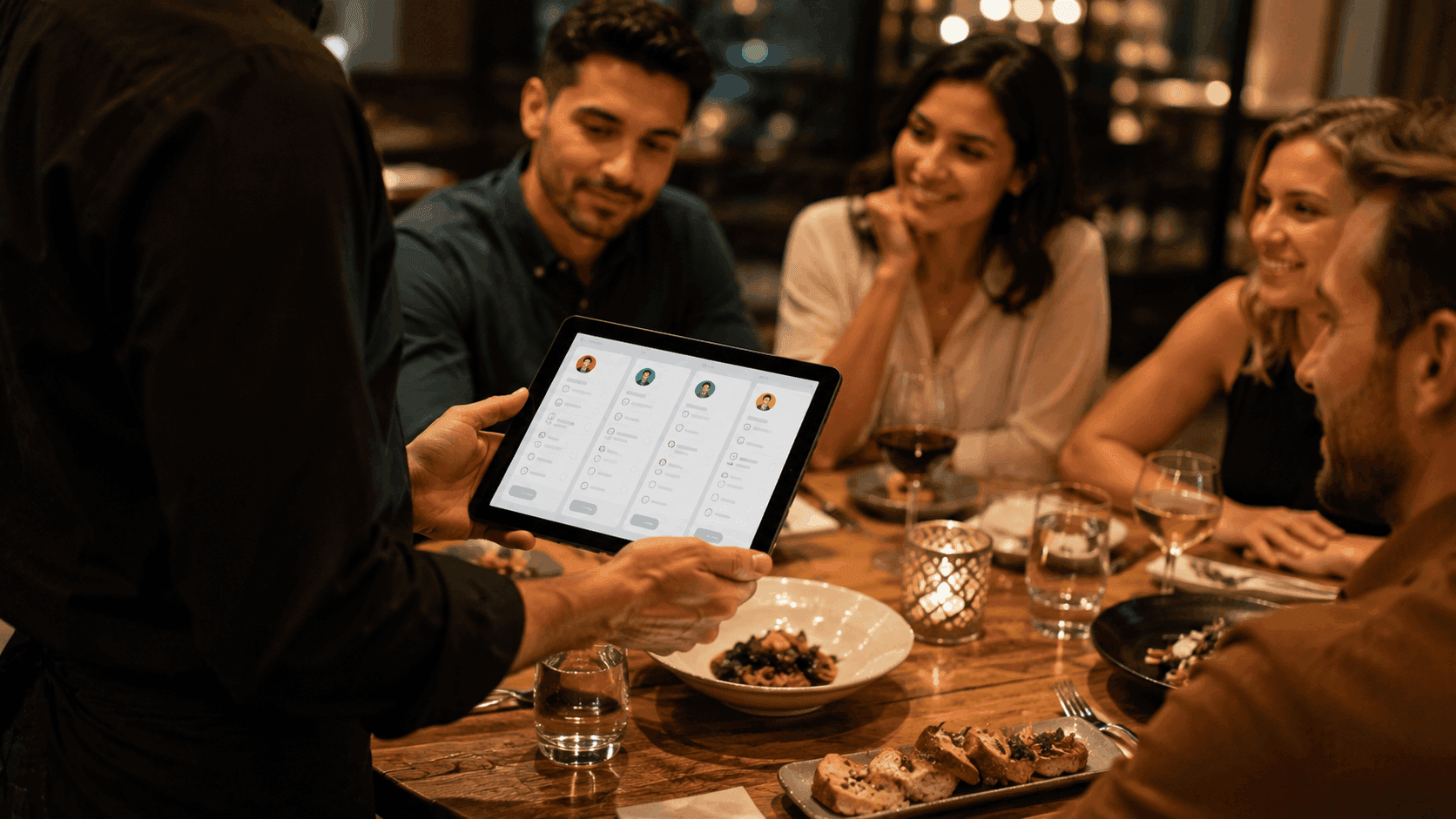
Few things slow down a shift faster than a table of eight asking to split the bill five different ways. It sounds like a small task, but for many restaurants, split billing still means manual math, awkward pauses at the table, and staff pulled away from other guests just to sort out one payment. If this sounds familiar, the problem usually isn't your staff — it's your system.
Why Split Bills Are Still So Difficult
Splitting a bill seems simple in theory: divide the total, or divide by item. In practice, it creates friction in several ways:
- Manual calculations — staff doing math on the fly, especially under pressure, increases the chance of errors
- Uneven splits — groups rarely want to split evenly; some want to pay only for what they ordered
- Multiple payment methods per table — one guest pays card, another cash, another a mobile wallet, all for the same bill
- Disconnected tools — if your checkout software wasn't built with splitting in mind, staff end up creating separate manual transactions or using workarounds that take far longer than they should
None of these issues are really about the guests being difficult — they're about the software not being built to handle a genuinely common restaurant scenario.
The Real Cost of a Slow Split-Bill Process
It's easy to underestimate how much this actually costs a restaurant:
- Slower table turnover — a group stuck at checkout is a table that isn't being reset for the next guest
- Frustrated staff — repeatedly doing manual math during a busy shift adds unnecessary mental load
- Payment errors — miscalculated splits lead to under-charging, over-charging, or awkward corrections
- Guest experience — nobody enjoys standing around while their bill gets sorted out item by item
During peak hours, these delays compound. A two-minute split-bill process repeated across a dozen tables adds up to real lost time — and lost revenue, since slower turnover directly limits how many guests you can serve.
How the Right POS Fixes This
This is exactly where a properly built restaurant POS and payment system makes the difference. Instead of manual workarounds, the right system handles split billing as a built-in function, not an afterthought.
1. Split by Item, Not Just by Amount
A good POS lets staff assign specific items to specific guests, so each person pays only for what they ordered — no manual tallying required.
2. Split Evenly in One Tap
For groups who just want to divide the total, the system should calculate an even split instantly across any number of guests, without staff doing the math themselves.
3. Accept Multiple Payment Methods on One Bill
One guest pays card, another taps their phone, another pays cash — all against the same table, without creating separate disconnected transactions.
4. Keep Everything Connected to the Original Order
Splitting a bill shouldn't mean losing track of what was ordered, what's already been paid, and what's outstanding. The payment stays tied to the original order from start to finish, so nothing gets lost in the process.
Why This Matters Beyond Just Checkout
Fixing split billing isn't just a checkout convenience — it's a sign of a broader issue worth paying attention to. If your POS struggles with something as common as splitting a bill, it's often a symptom of using a system that wasn't built specifically for restaurant operations in the first place.
A well-designed restaurant management platform brings ordering, payments, kitchen, and reporting together, so functions like split billing aren't a bolted-on feature — they're a natural part of how the whole system works. This also matters when it comes to restaurant POS integrations — a checkout system that connects cleanly with your existing payment providers and tools avoids the extra manual steps that slow down split billing in the first place.
What to Look for When Evaluating a POS for This
If split bills are a recurring headache at your restaurant, ask these questions when evaluating your options:
- Can staff split by item, not just by even amount?
- Can multiple payment methods be applied to a single bill?
- Does it take more than a couple of taps to complete a split?
- Is the split-bill feature built in, or does it require a manual workaround?
If the answer to any of these raises concern, it's worth taking a closer look at your current setup.
Final Thoughts
Split bills don't have to be the bottleneck they often become. The friction usually comes down to outdated or poorly connected checkout software — not the complexity of the request itself. With the right restaurant POS and payment system, splitting a bill by item, by guest, or by payment method becomes a quick, built-in part of service rather than a disruption to it.
If split billing (or checkout speed in general) is slowing down your service, it's worth seeing how ERPFY's restaurant POS and payment system handles this natively — as part of a connected restaurant management platform built around real restaurant workflows. Want to see how it fits your setup? Get in touch with our team — we're happy to walk you through it.
Ready for a smoother shift?