Restaurant POS System Explained: A Beginner’s Guide for New Owners
Opening a restaurant means making dozens of decisions before the first guest walks in. Few of them have as much day-to-day impact as the system you use to take orders and payments. Many new owners treat it as a box to tick, then find out months later that the wrong choice slows service and creates extra work. This guide explains what a POS system is, how it works, and what to look for if you are choosing one for the first time.
What Is a POS System?
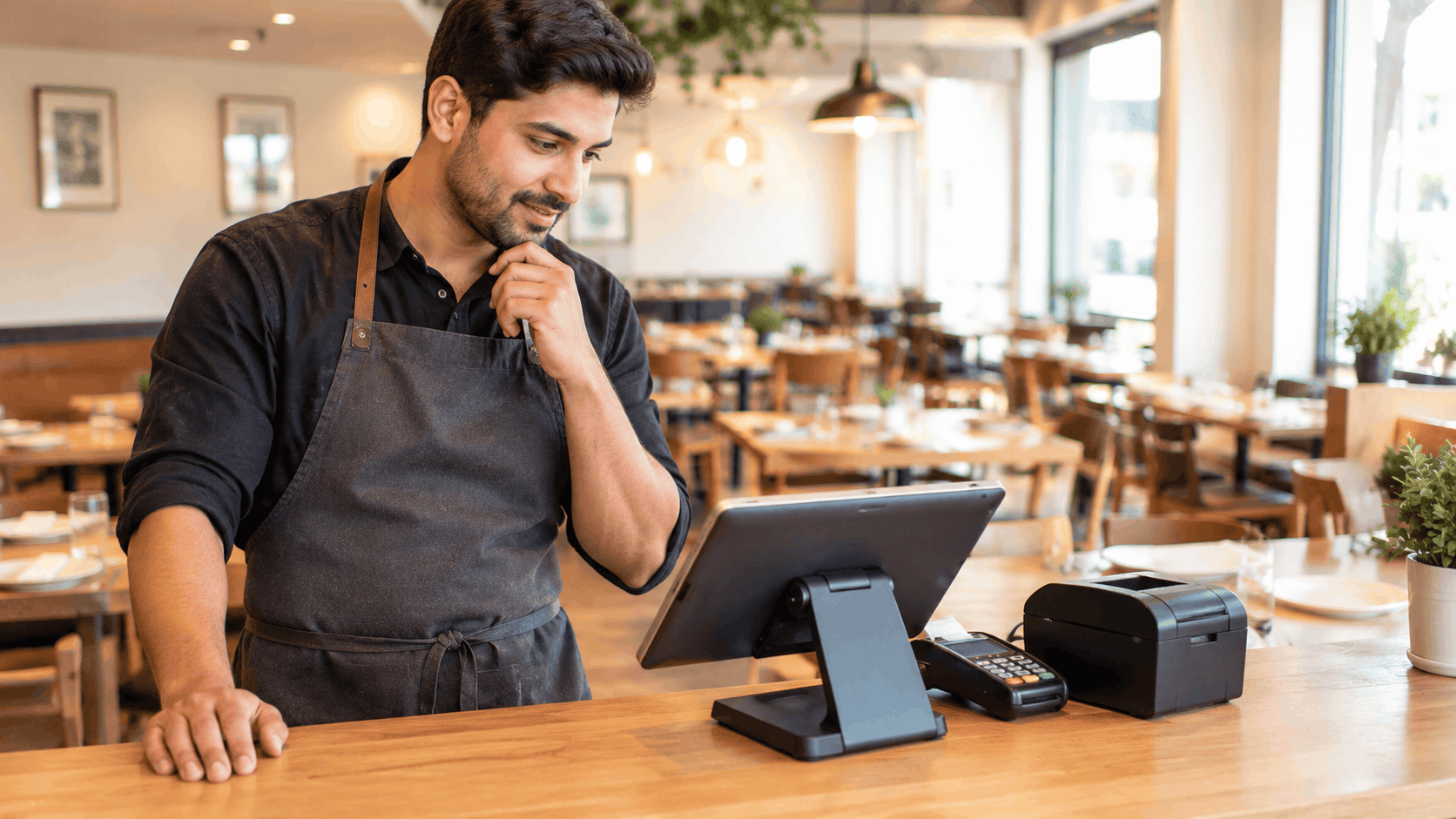
POS stands for point of sale, which is the moment a guest pays for their meal. In practice, restaurant point of sale software is the program your team uses to enter orders, send them to the kitchen, calculate bills, and take payment. It runs on a screen, usually a tablet or a counter terminal, and connects to a card reader, a receipt printer, and often a cash drawer.
A basic cash register can add up a bill. A POS system does that and also remembers what was ordered, who ordered it, how it was paid for, and what it did to your stock and sales figures. That memory is what makes it useful beyond the till.
What Does a POS System Actually Do?
For a new owner, it helps to think of a POS as handling five jobs.
- Taking orders. Staff select items, add modifiers such as "no onions" or "extra sauce," and attach the order to a table, a guest, or a takeaway ticket.
- Sending orders to the kitchen. Instead of walking a slip across the room, the order goes straight to a printer or a kitchen screen.
- Handling bills and payments. Staff can split a bill, add a tip, apply a discount, and accept cards, cash, or gift cards.
- Recording sales. Every completed order is saved, so you can see what sold, when, and for how much.
- Tracking stock and staff. Many systems also reduce ingredient counts as items sell and record who processed each order.
How It Works Step by Step
Picture a table of four ordering dinner.
A server opens a new order on the tablet and assigns it to table 12. They tap the items, add the notes the guests ask for, and send the order. The kitchen sees it within seconds, with every modifier attached. When the meal is finished, the server opens the same order, splits the bill four ways, and the guests tap their cards. The system closes the order and adds it to the day's sales.
The key idea is that the order stays as one record from the first tap to the final payment. Nobody retypes it, so there are fewer chances for a wrong dish or a wrong total. A restaurant POS and payment system keeps that record connected, which is why ordering and payments should live in the same place rather than in two separate tools.
Cloud Systems and Traditional Systems
New owners usually meet two types.
- Traditional systems store data on a computer in your restaurant. They can work well, but they often need a technician for updates and repairs, and you can only see your numbers when you are on site.
- Cloud-based systems store data online. You can check sales from your phone, updates happen automatically, and adding a second device or a second location is simpler. They usually charge a monthly subscription instead of a large upfront fee. Most new restaurants today choose cloud-based systems for these reasons.
Features That Matter Most for a New Restaurant
You do not need every feature on the market. Start with the ones that affect daily service.
- Fast order entry. If it takes too many taps to ring up a common order, service slows down at the worst moments.
- Flexible bill splitting. Groups ask for this all the time, and doing it by hand wastes minutes at the table.
- Kitchen connection. Orders should reach the kitchen without anyone carrying slips.
- Clear reports. You should be able to see best sellers, busy hours, and daily takings without building a spreadsheet.
- Staff permissions. Servers should not be able to void orders or change prices unless you allow it.
- Simple training. New staff should be able to learn the basics in a single shift.
Beyond Checkout: Running the Whole Restaurant
As your restaurant grows, you will want more than orders and payments. Bookings, delivery orders, loyalty, and stock all need managing. This is where restaurant management software comes in, because it brings those jobs into the same system as your POS instead of leaving them in separate apps. If you take bookings, a reservation system that shares the same floor plan your team uses during service keeps tables and orders from falling out of step.
You do not have to buy everything on day one. It is worth choosing a provider that can add these functions later, so you do not have to replace your whole setup when you outgrow it.
What a POS Costs
Costs vary, but they tend to fall into three groups. There is the hardware, such as tablets, a card reader, and a printer. There is the software, which is usually a monthly subscription. And there are payment processing fees, which are charged on each card transaction. When comparing providers, ask for all three in writing. A low monthly price can hide high processing fees, and cheap hardware can lock you into one provider.
Common Mistakes New Owners Make
- Choosing on price alone. The cheapest option often costs more in lost time.
- Skipping the demo. Try taking a realistic order, splitting a bill, and running a report before you commit.
- Ignoring contract terms. Check the length of the contract, cancellation fees, and what happens to your data if you leave.
- Forgetting about growth. A system that cannot handle a second location, delivery, or online ordering will need replacing.
- Not involving staff. The people who use it every shift will notice problems quickly.
Questions to Ask Before You Choose
- How many taps does it take to enter a typical order?
- Can I split bills by item, by seat, or evenly?
- Does it connect directly to the kitchen?
- Which payment providers does it work with?
- What reports do I get, and can I see them from my phone?
- What does support look like, and is it available during my busiest hours?
- Can I export my data if I decide to leave?
When you compare options, look closely at the restaurant point of sale software itself, not just the hardware it comes with. The interface your team uses all day matters more than the look of the terminal.
Final Thoughts
A POS system is the backbone of daily service, and a good one makes everything from taking an order to counting the day's takings simpler. As a new owner, you do not need the most complicated option. You need one that is quick to use, connects orders to the kitchen and payments, gives you clear reports, and can grow with you. Spend time on a proper demo, ask direct questions about costs and contracts, and choose a restaurant POS and payment system that fits how your restaurant actually runs.
Ready for a smoother shift?